

EraPOS is the point of sale for nail salons and spas. It runs on a Windows PC at your front desk, the store server, and works with more registers on your shop network, a check-in tablet at the door, the EraPOS Hub app on your team's phones and your own website for online booking.
Background
EraPOS brings checkout, the appointment book, self check-in, the turn queue, payroll and reports together in one system. Its heart is in your salon, not on the internet: your customers, tickets, appointments, staff records and sales are kept on the store server PC at your front desk. That is why your front desk keeps working when the internet drops, and why that PC deserves a little care.
How it fits together
- The store server PC. A Windows PC at the front desk runs EraPOS. Its EraPOS window is your first register, and the POS and all of its data live on it. Keep it on and signed in to Windows while the salon is open.
- More registers. Any computer or tablet with a browser on your shop network can be another register. Registers connect to the store server over an encrypted connection and share tickets live: a ticket open on one register is locked on the others until it is done.
- The check-in tablet. An Android tablet at the door runs the EraPOS Check-in app. Clients find themselves by phone number or sign up, choose their services and, if they like, a technician, and then appear on the waiting list at the front desk. The tablet sees only what check-in needs, never staff records, customer lists or reports.
- EraPOS Hub. The phone app for your team. Technicians see their day, their earnings and the turn queue; owners see the store, approvals and alerts. Phones connect through your online back office, never straight to the store PC.
- Your website and online back office. Clients book from a Book online page on your website, and their bookings arrive in the BOOKINGS book. The same online back office holds your business, stores, team and menu, and it is where card readers, check-in tablets and EraPOS Hub are set up.
- Your EraPOS account. Your invoices are in your account on the EraPOS website. EraPOS also keeps your store's licence and its registers on file, which is where each register's activation code comes from.
Note
When the internet drops, checkout, the appointment book and the turn queue keep working, because the store server is in your salon. Card readers need a connection; cash and other payment types do not. Everything is brought up to date when the connection is back. If a register loses touch with the store server, it shows a cloud icon in the top bar and keeps selling, and its work syncs when it reconnects.
Further reading
- Set up the store server PC - starting EraPOS, the owner account and more registers
- Opening day checklist - what to check before, during and after your first day
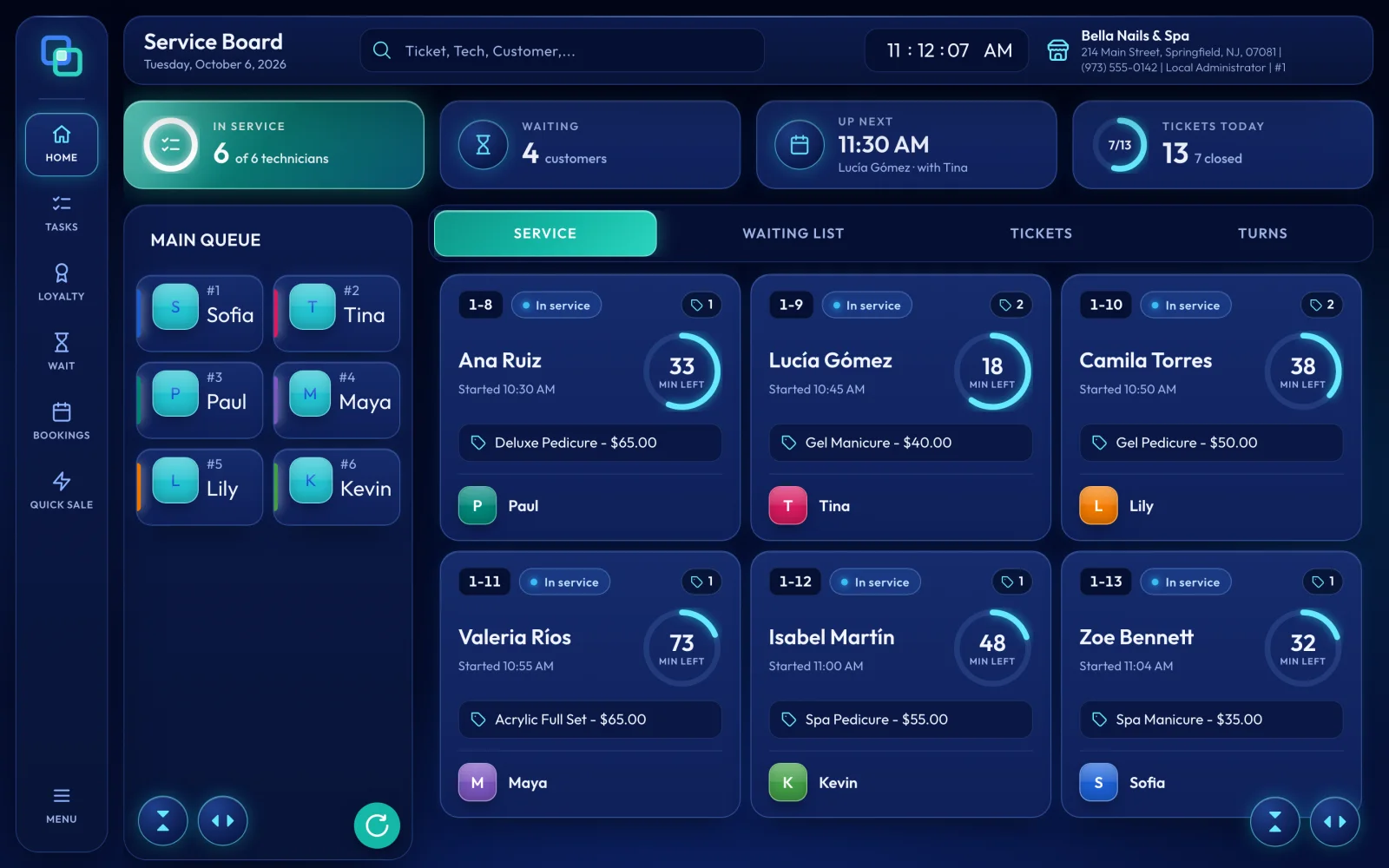
- The Service Board explained - the home screen every register opens on
- Set up the check-in tablet - pairing the tablet at the door
- EraPOS Hub for technicians - what your team sees on their phones
- How online booking works - how bookings from your website reach the book
- Working offline - what keeps going when the internet is down

