Check-in and turn queue

A warm welcome, a fair turn for everyone

Clients check themselves in on a tablet at the door. The waiting list and the turn queue send every walk-in to the right technician, in order.

Feature by feature

From the door to the chair

Clients check in while you finish a set
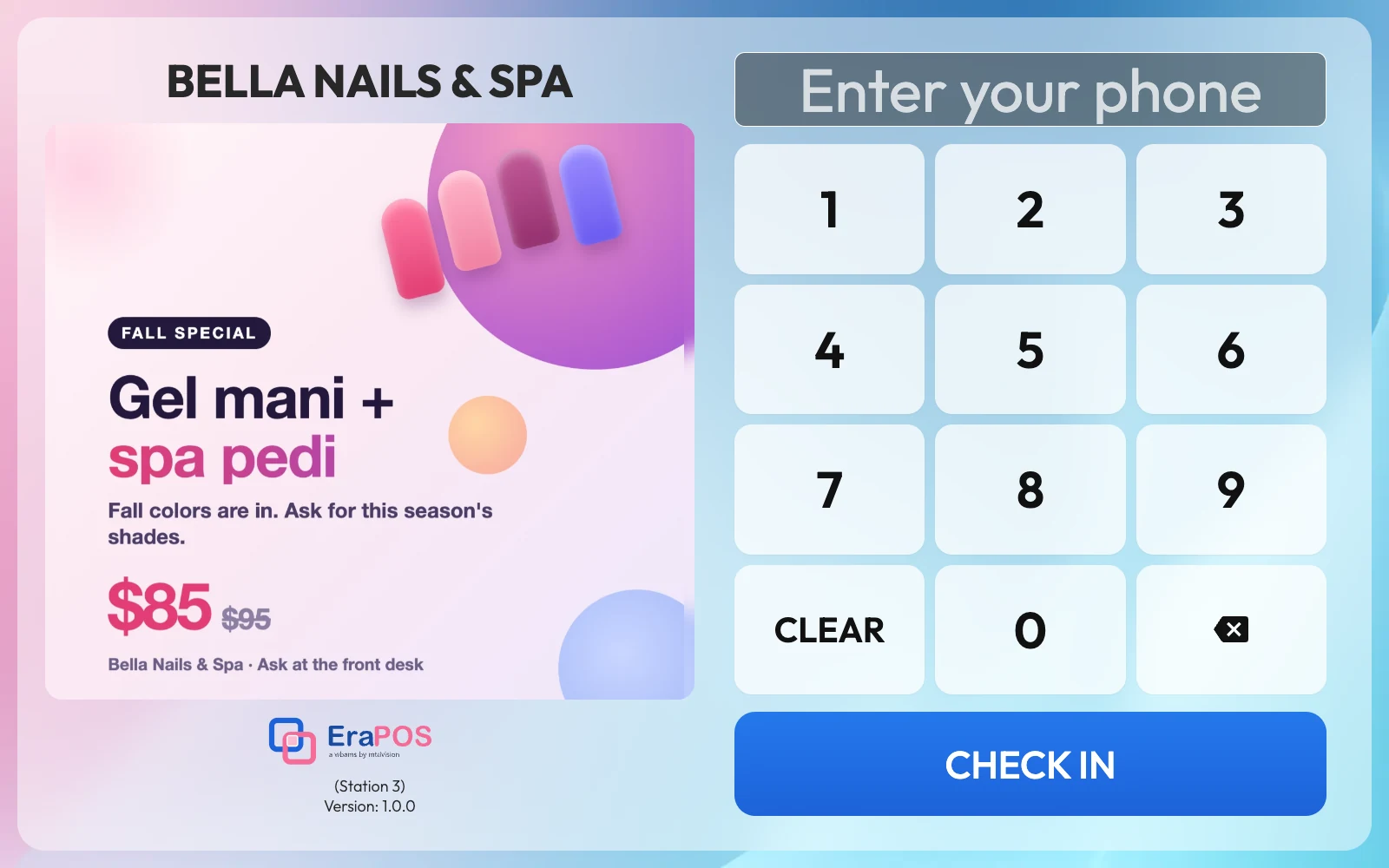
Self check-in

Clients check in while you finish a set

A returning client finds themselves by phone number; a new one signs up in seconds. Your own promotion shows beside the keypad.

  • Today's appointment confirmed at check-in, online bookings too
  • Loyalty points and a birthday greeting
  • Service waivers signed on the tablet
  • A reminder to add an email, so points follow them online
They choose, you prepare
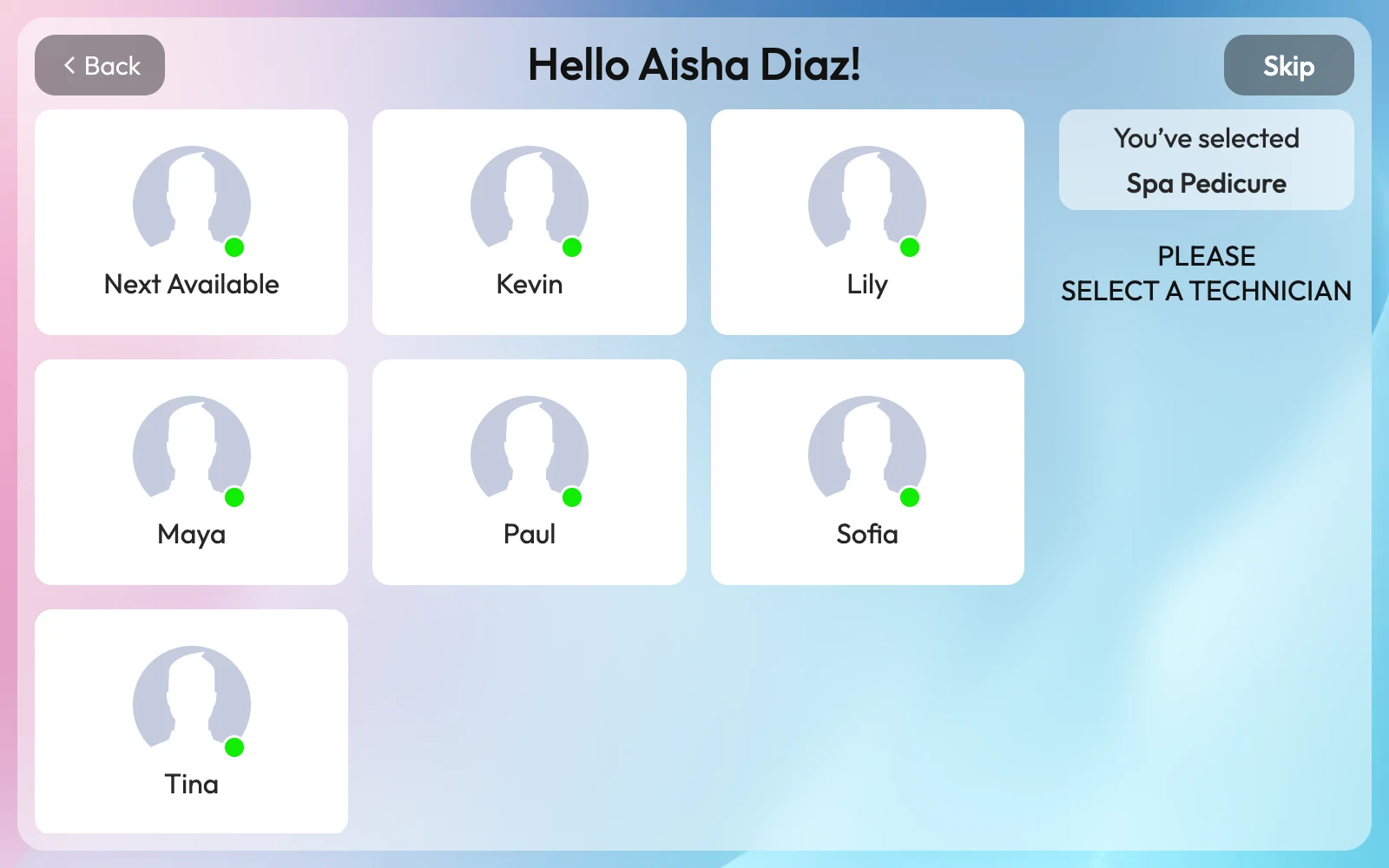
Services and technician

They choose, you prepare

Clients pick their services and, if they like, a technician working today, or Next Available.

  • Only the categories you choose
  • A technician request, never a promise
  • Your menu pictures and technicians' photos on the buttons
A little fun at the door
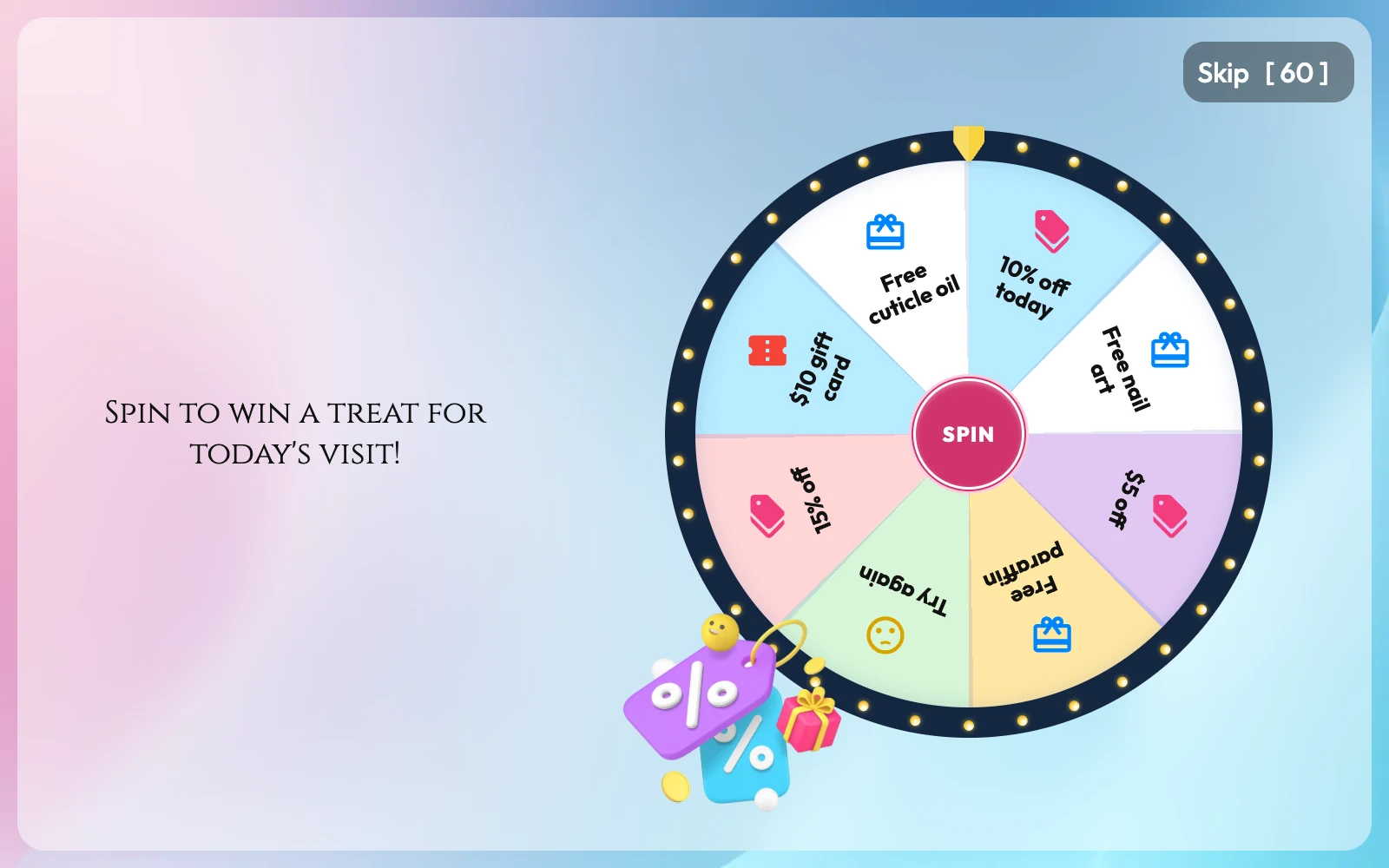
Wheel of Fortune

A little fun at the door

Turn on the Wheel of Fortune and clients spin for a prize when they check in. The prize waits on their ticket at the register.

  • Prizes you choose in your back office
  • Applied by the register, not by hand
Everyone waiting, in one place
The waiting list

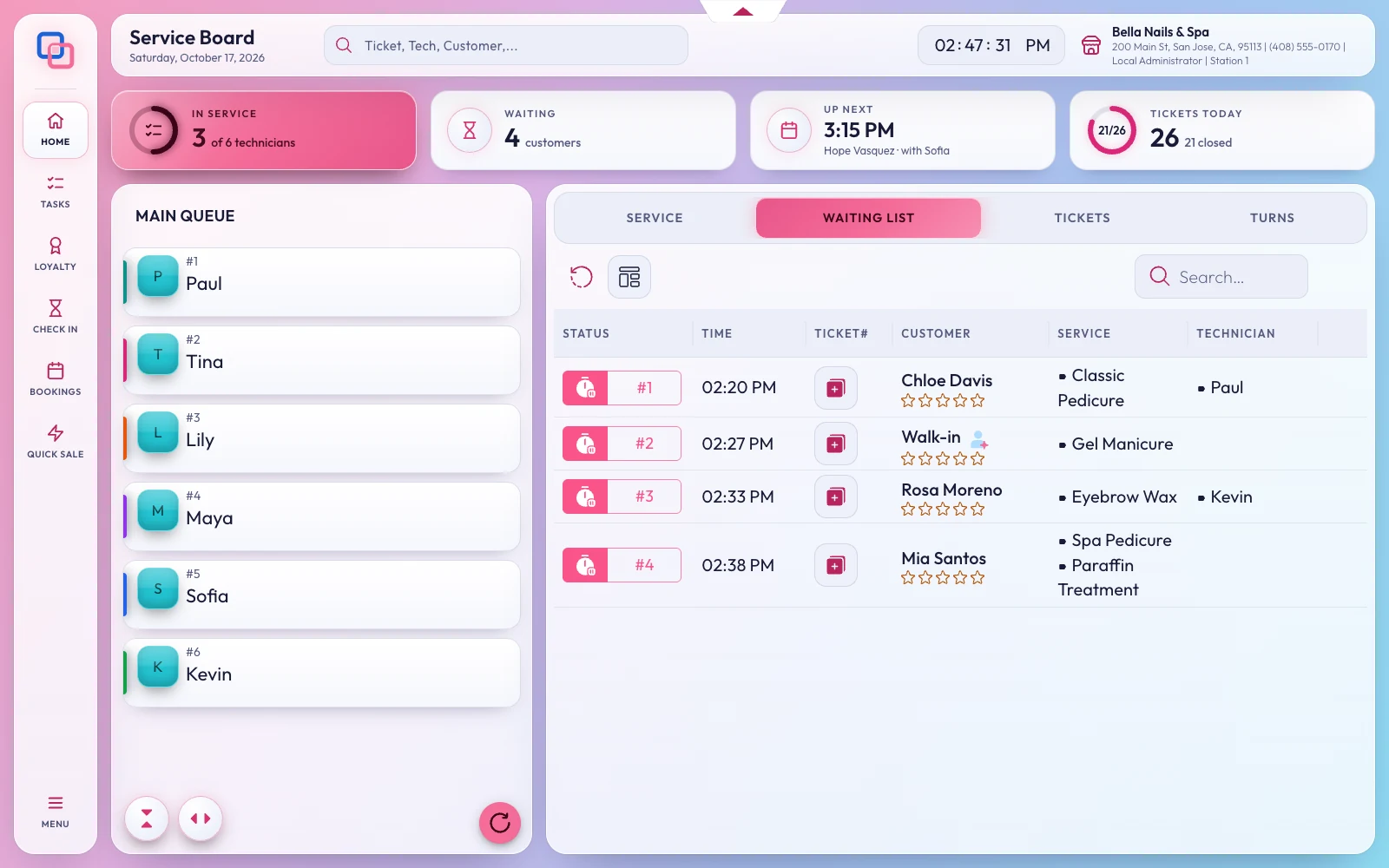
Everyone waiting, in one place

Check-ins, walk-ins and appointments arriving now line up on the main screen with how long they have waited and what they came for.

  • Kiosk arrivals marked with a K number
  • Turn a waiting entry into a ticket in one tap
A text when it's their turn
Waiting list

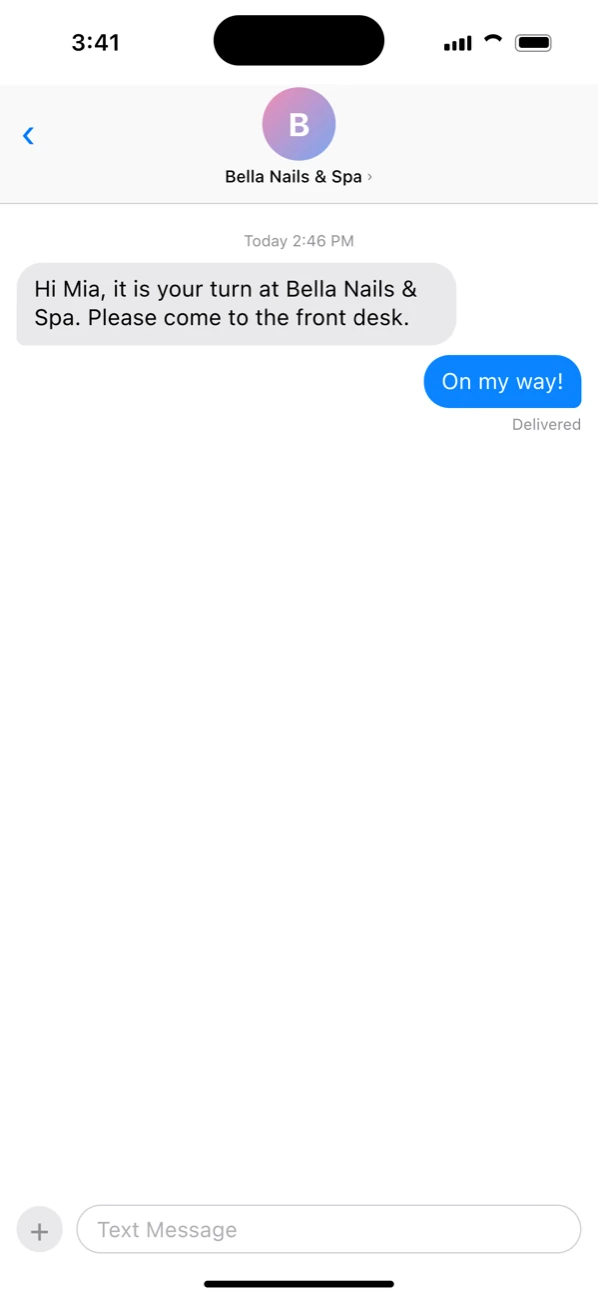
A text when it's their turn

One tap on the waiting list tells a client their technician is ready, so they can wait in the car or step out for a coffee.

  • Your own words, with their name and your salon's
  • Sent from any register
Turns counted your way
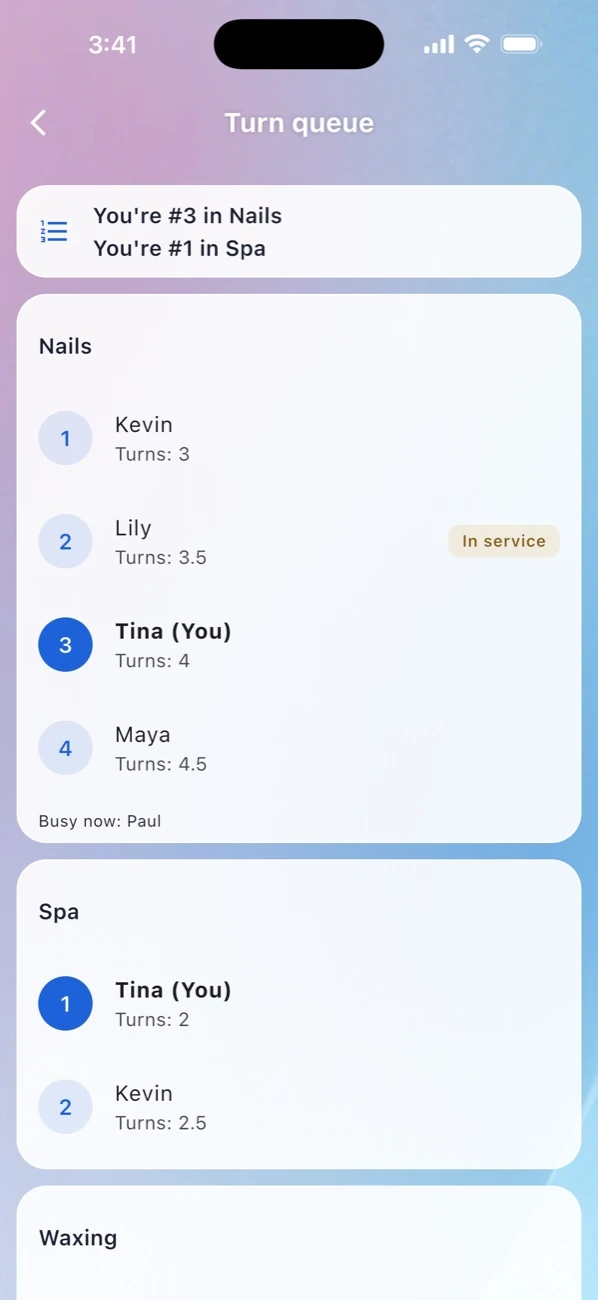
Turn queue

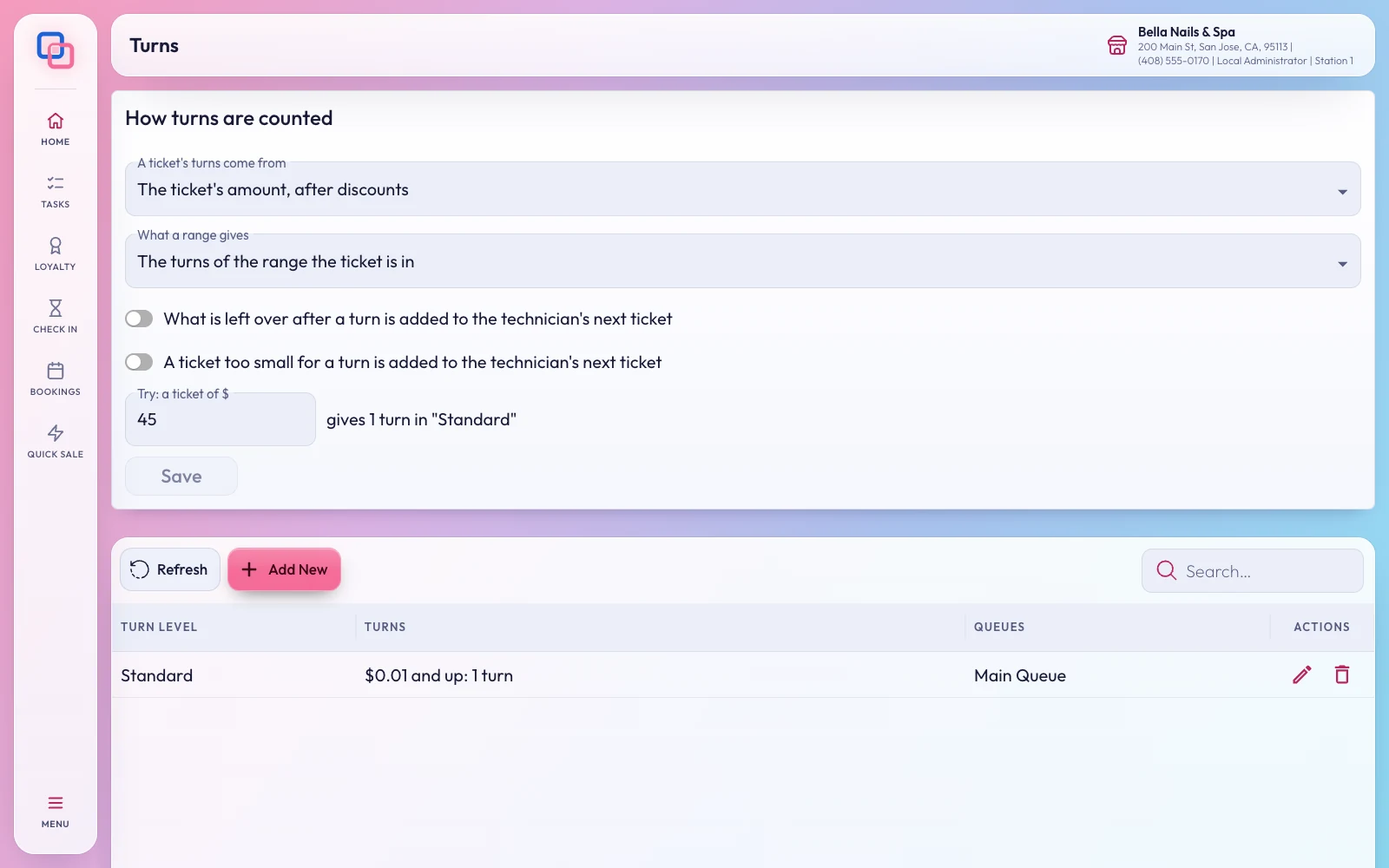
Turns counted your way

Decide how a ticket counts toward the turn queue: by its amount after discounts and the ranges you set. Type any amount to see the turns it gives before you save.

  • Queue groups added, renamed and removed at the register
  • Only technicians clocked in today
  • Today's turns on every technician's card and phone
Questions

About check-in and turns

An Android tablet (Android 7 or newer) with the EraPOS Check-in app, on your store network. It can also print a slip on a USB receipt printer.

In your back office: the services offered, whether clients can pick a technician, waivers, the Wheel of Fortune and the pictures.

Each service counts by its turn level, technicians are grouped by what they do, and the front desk can add a manual or go-again turn. Every turn is on record.

Make the door the best part of the visit

A welcome kiosk and a fair turn queue, working with your front desk.

Powered by WBAMS