

Runs in your salon, keeps going offline
The EraPOS store server lives at your front desk. Registers on your store network keep their own copy, so the salon keeps selling when the internet drops.
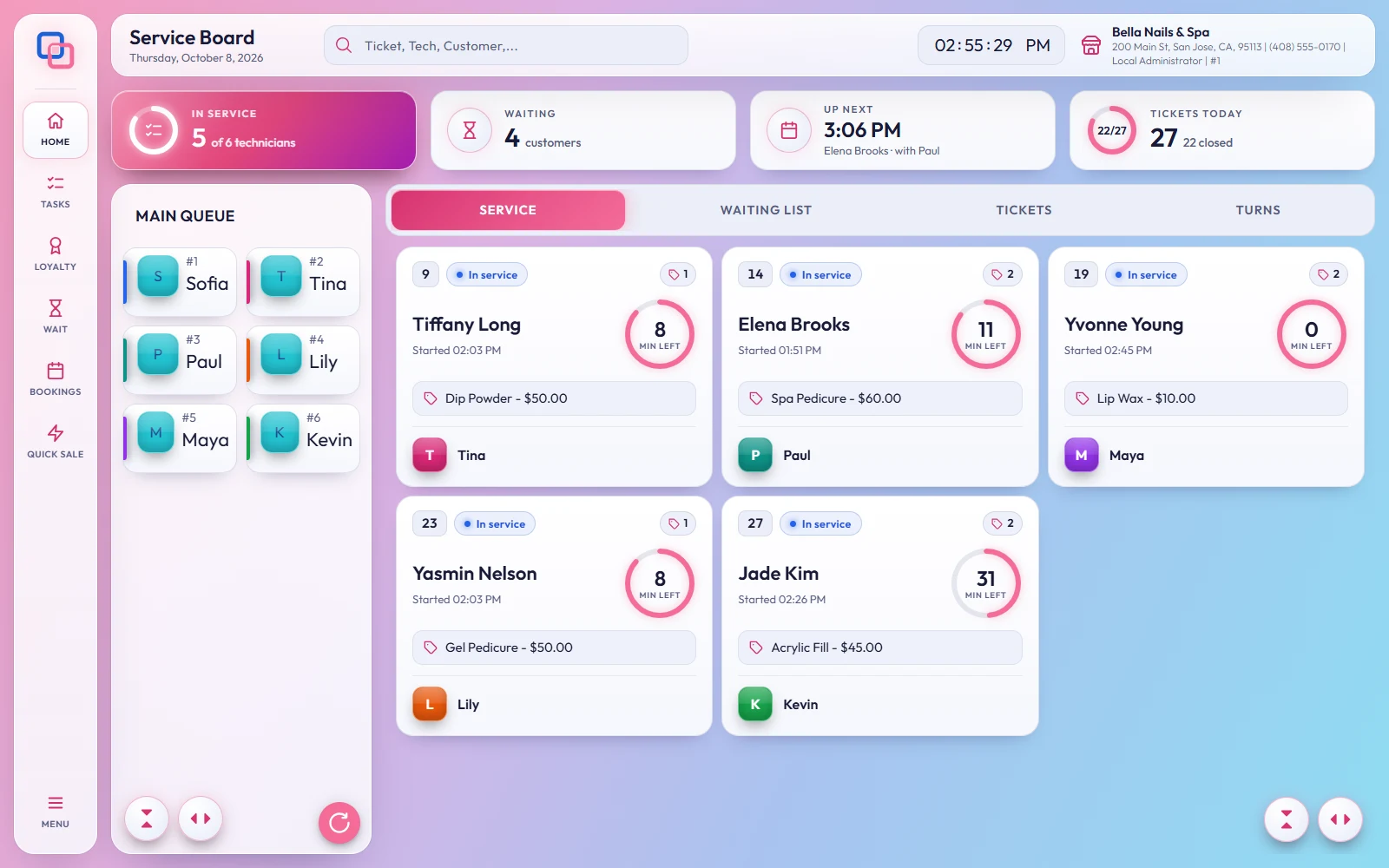
Four places, one salon
From hello to your first sale
-
01
Tell us about your salon
Chairs, registers, how you handle walk-ins and turns, and how you pay your team.
-
02
We set up your back office
Your menu, prices, team and devices, ready before day one.
-
03
Connect your devices
Registers start with an activation code, and each check-in tablet with its own code.
-
04
Ring up your first ticket
And your team installs EraPOS Hub.
Safe by default
About setup
No. The store server runs on the Windows PC at your front desk. Keep that PC on while the salon is open.
Yes. Tell us about your front desk and we will recommend tablets, printers and card readers.
Restore your latest backup on a new PC and connect your registers again.
Not sure what you need?
Tell us about your salon and we will help you plan your setup.
Powered by WBAMS