

Clients sign in on your salon's website, choose a service, a technician or Anyone, and a free time. The booking is made at once, they pay in the salon, and it arrives in your EraPOS appointment book within about a minute.
Background
Online booking is part of the website that comes with your EraPOS account: a Book online page and menu item, plus sections that show your services and prices, your locations and hours, and your team. Only clients signed in to an account on your website can book, so you always know who is coming and how to reach them. Nothing is charged online; clients pay at checkout.
Online booking is switched on per store in your online back office. If you would like help with it, send us a support request.
How it fits together
- What clients see. They choose the store (when you have more than one), the service, Anyone or a staff member, and the day. Free times appear as buttons, and tapping one books it. Times are on a 15-minute grid, start at least an hour from now and go up to 45 days ahead. Anyone books whoever performs the service and has the least booked that day.
- Which times are free. Times inside the technician's working hours and your opening hours, clear of breaks, holidays, blocked time and appointments already on your book. A technician is offered when they are active, have Perform Service and Online Appointment turned on in their employee record, and are linked to your staff online. A service is offered when your store offers it, it has a duration, online booking is on for it and someone performs it.
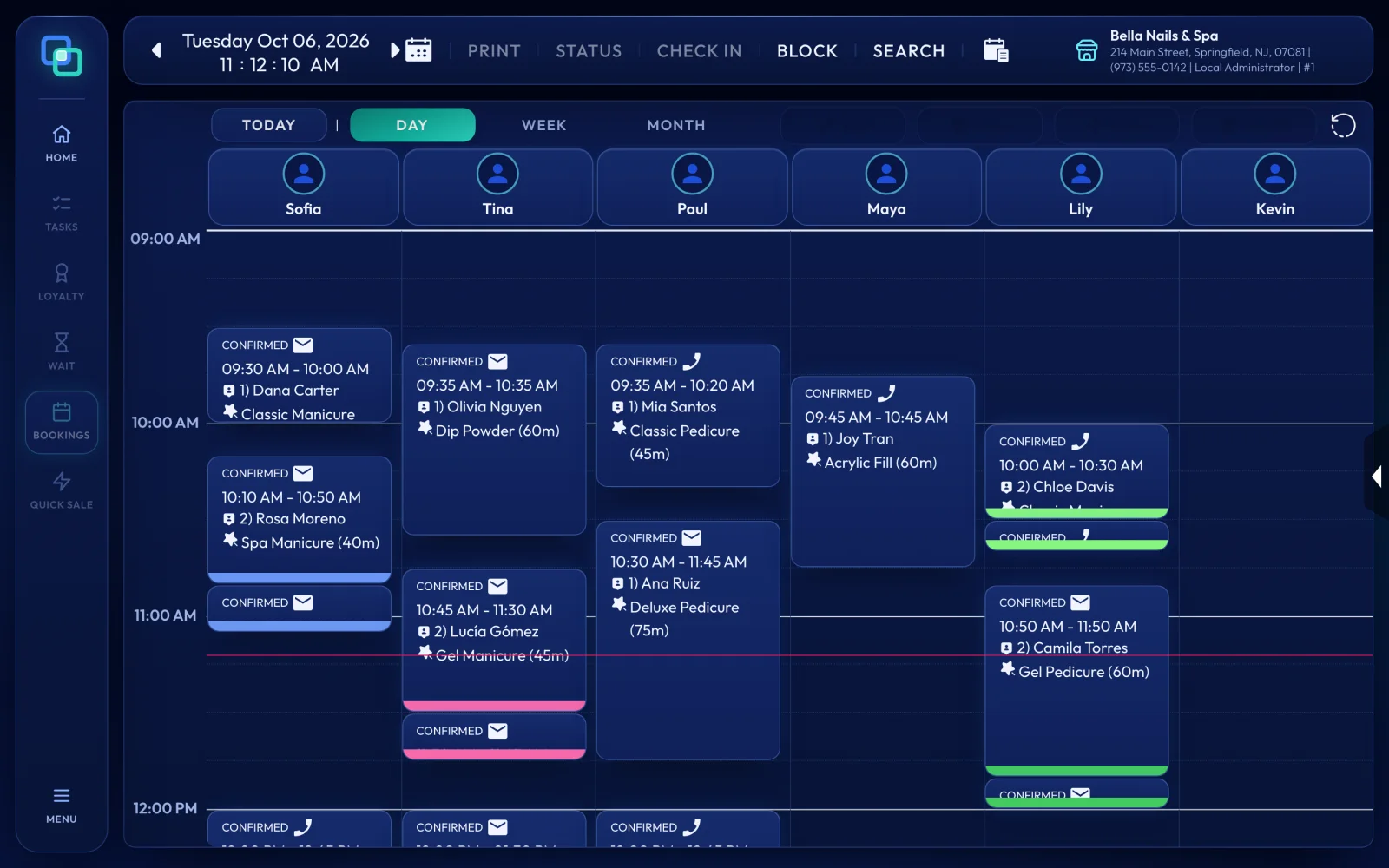
- How it reaches the POS. Your store server shares its technicians' hours and booked times (never client details) whenever they change, and collects new bookings about every 30 seconds. Each booking becomes an appointment on BOOKINGS. A client the POS does not know yet is added as a new customer.
- When something does not fit. If the time now overlaps another appointment of that technician, or the technician or service is not on the POS, the appointment is still added, unconfirmed, with a note that starts "Booked online, but". Check it with the client. They are emailed that the salon has their booking and will contact them if the time has to change.
- Cancellations. A client can hold up to 3 upcoming bookings at a store, none overlapping, and can cancel one up to an hour before it starts. A cancelled booking cancels its appointment on your book.
- Emails. Clients are emailed when they book (what, when, with whom, where and the price to pay in the salon) and when they cancel. The wording is in your website's email templates: EraPOS Booking Confirmation, EraPOS Booking Cancellation and EraPOS Booking Time Check.
- Your team. Technicians with EraPOS Hub get a notification for a new appointment, and owners get a New online booking alert, which each owner can switch off. Approved time off blocks the day, so nobody books into it.
Note
Your website offers times only while your store server is in touch. If the store server PC is off or offline for 30 minutes, your store stops showing free times until it is back, so nobody books on old information. Keep that PC on and connected during opening hours.
Further reading
- Book an appointment - the appointment book at the front desk
- Appointment colours and statuses - what the colours on the book mean
- Connect your store to EraPOS Control and your back office - linking your store server to your EraPOS account
- EraPOS Hub for owners - alerts for new online bookings

