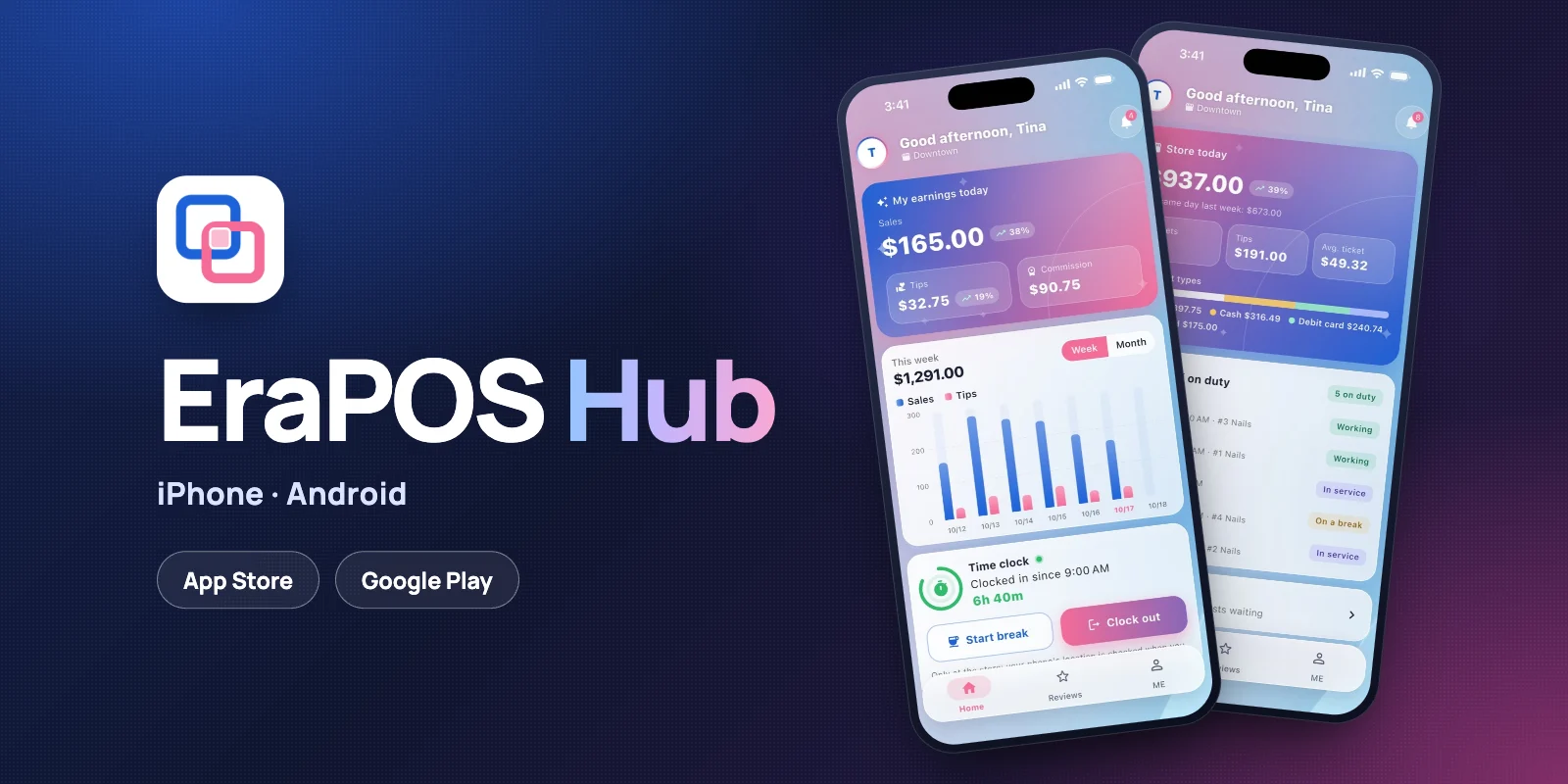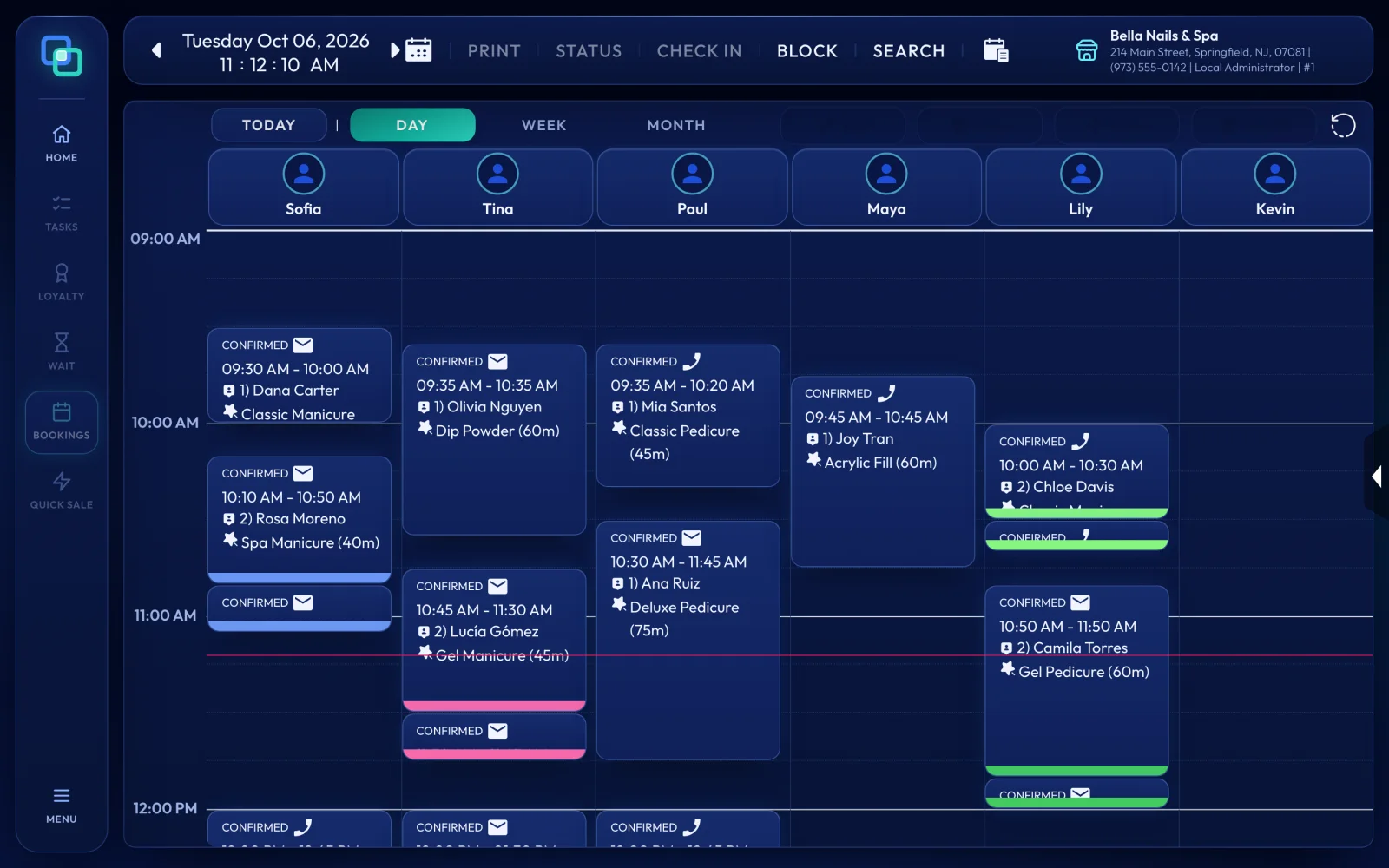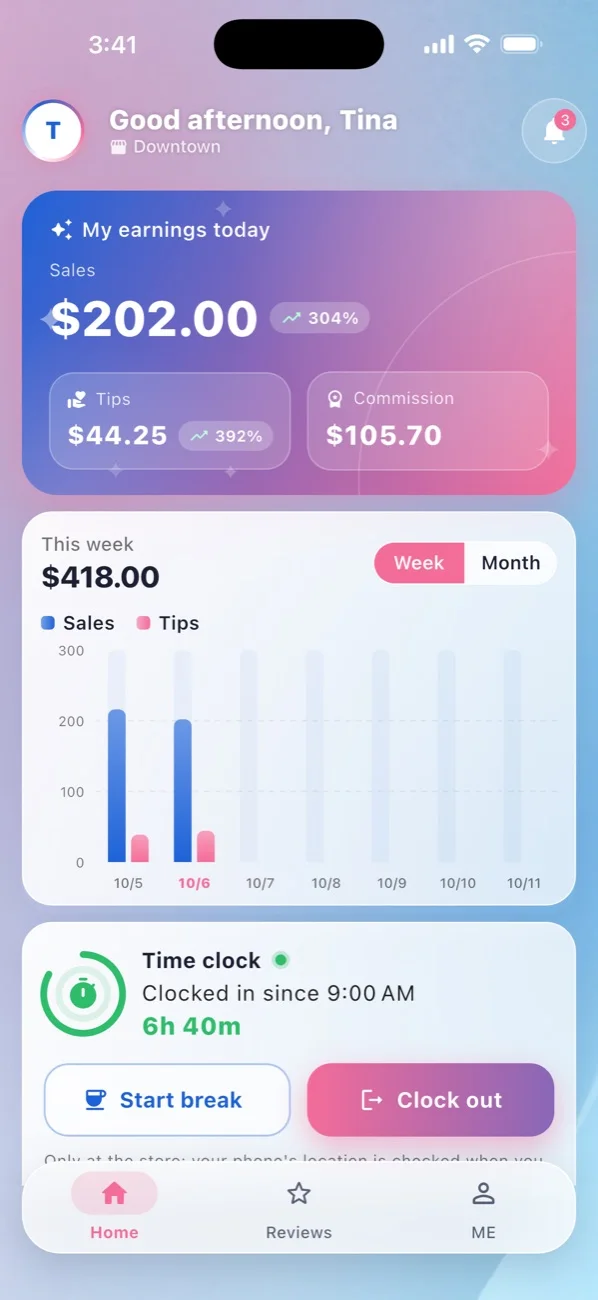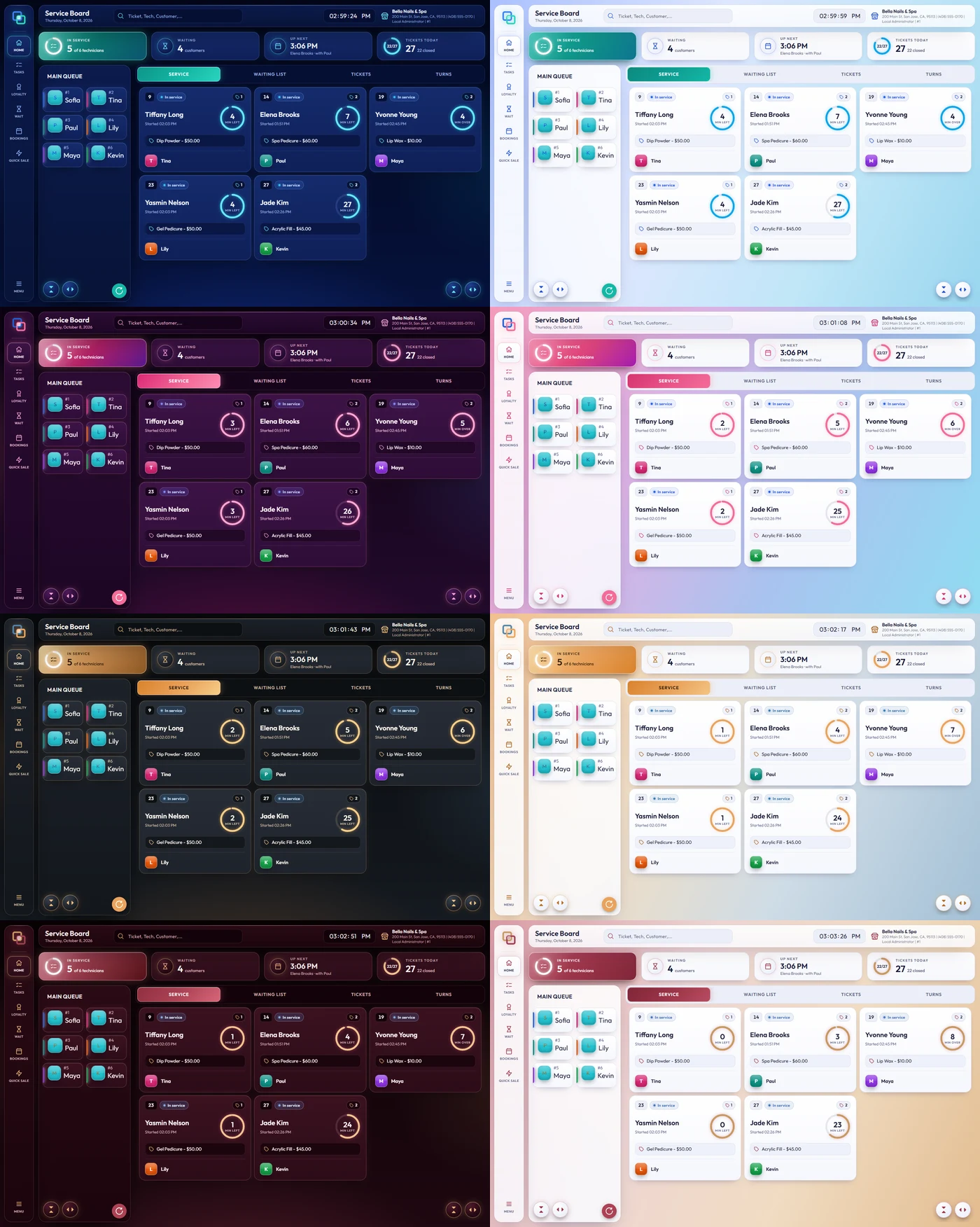
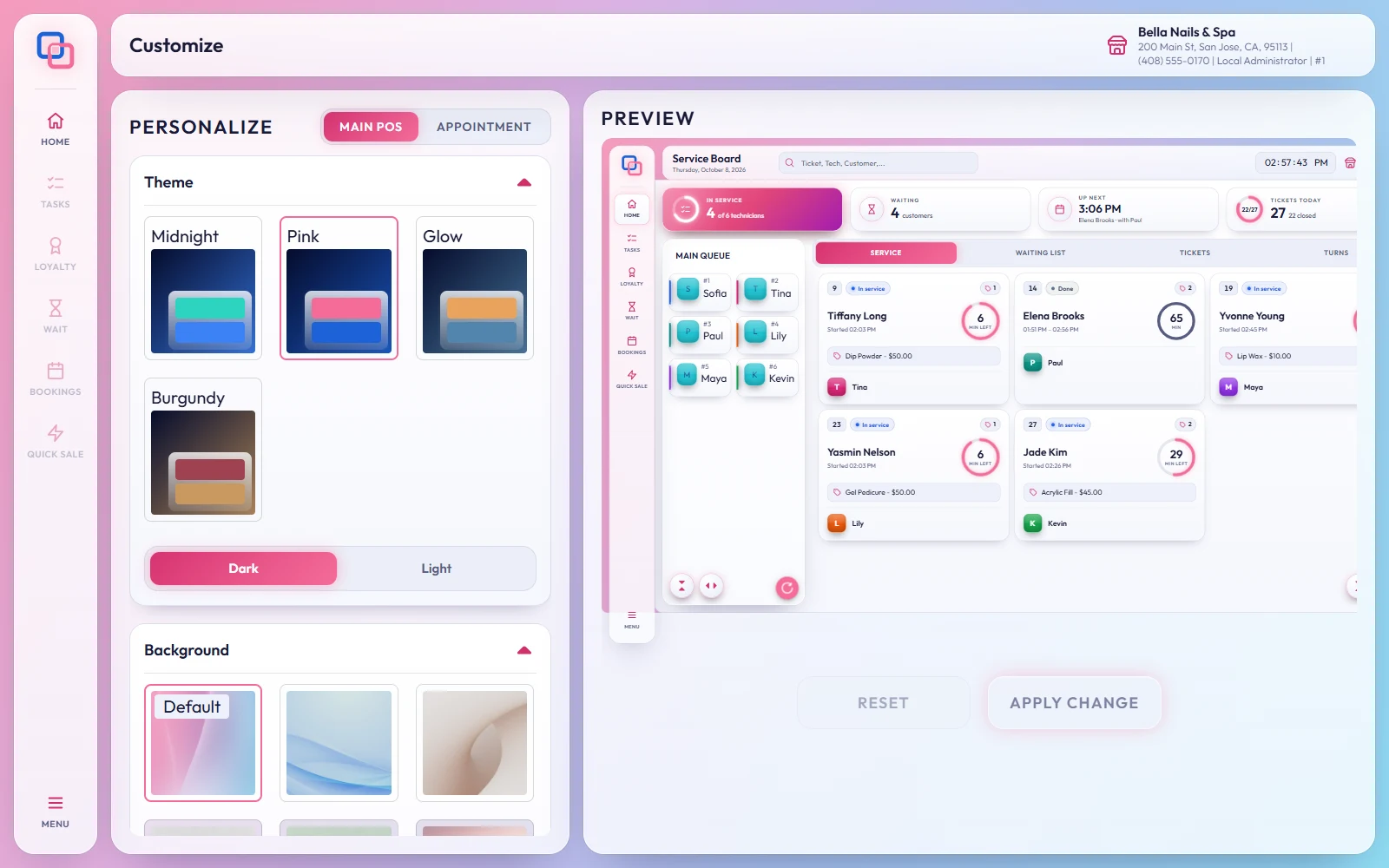
EraPOS has a new look: a side rail with big buttons, summary cards across the top, ticket cards that count down the minutes, and four themes, Midnight, Pink, Glow and Burgundy, each in dark or light.
The story
The Service Board is where the front desk spends the day, so that is where the new look starts. The side rail holds HOME, TASKS, LOYALTY, WAIT, BOOKINGS, QUICK SALE and MENU. A top bar shows the screen's title, search, the clock and your store. Below it, four cards sum up the day: In service, with a ring showing how many technicians are busy; Waiting; Up next, the next booking and its technician; and Tickets today, with a ring showing how many are closed.
The Main Queue is a clear list, and open tickets sit in a grid of cards. Each card shows its status, the technician, the number of services and a ring with the minutes left. The tabs read SERVICE, WAITING LIST, TICKETS and TURNS. The ticket and payment screens, dialogs, reports, the appointment book and the back office screens follow the same look.
Four buttons have new names: FUNCTIONS is now TASKS, BALANCE is LOYALTY, APPT BOOK is BOOKINGS and FAST SALE is QUICK SALE. They do the same jobs as before, and our logo has not changed.

Why it matters
A busy front desk needs to read the day at a glance: who is in service, who is waiting, what comes next and how many tickets are still open. The cards and rings answer those questions without opening a single report. Midnight is new, and Pink, Glow and Burgundy, the themes you already know, now come in a light version too, so you can match the screen to your salon's lighting and style.
Choose your theme
Open MENU › Administration › Appearance. On the Customize screen, pick Midnight, Pink, Glow or Burgundy, then Dark or Light. You can also choose a background picture or upload your own, and set the font sizes for the main menu, the queue, tickets and the waiting list. The Preview shows the Service Board (Main POS) or the appointment book (Appointment) as you go. Apply Change saves your choices and Reset takes you back.
Read more
- Themes and appearance - every option on the Customize screen
- The Service Board explained - the summary cards, the Main Queue and the tabs
- All features - EraPOS, feature by feature