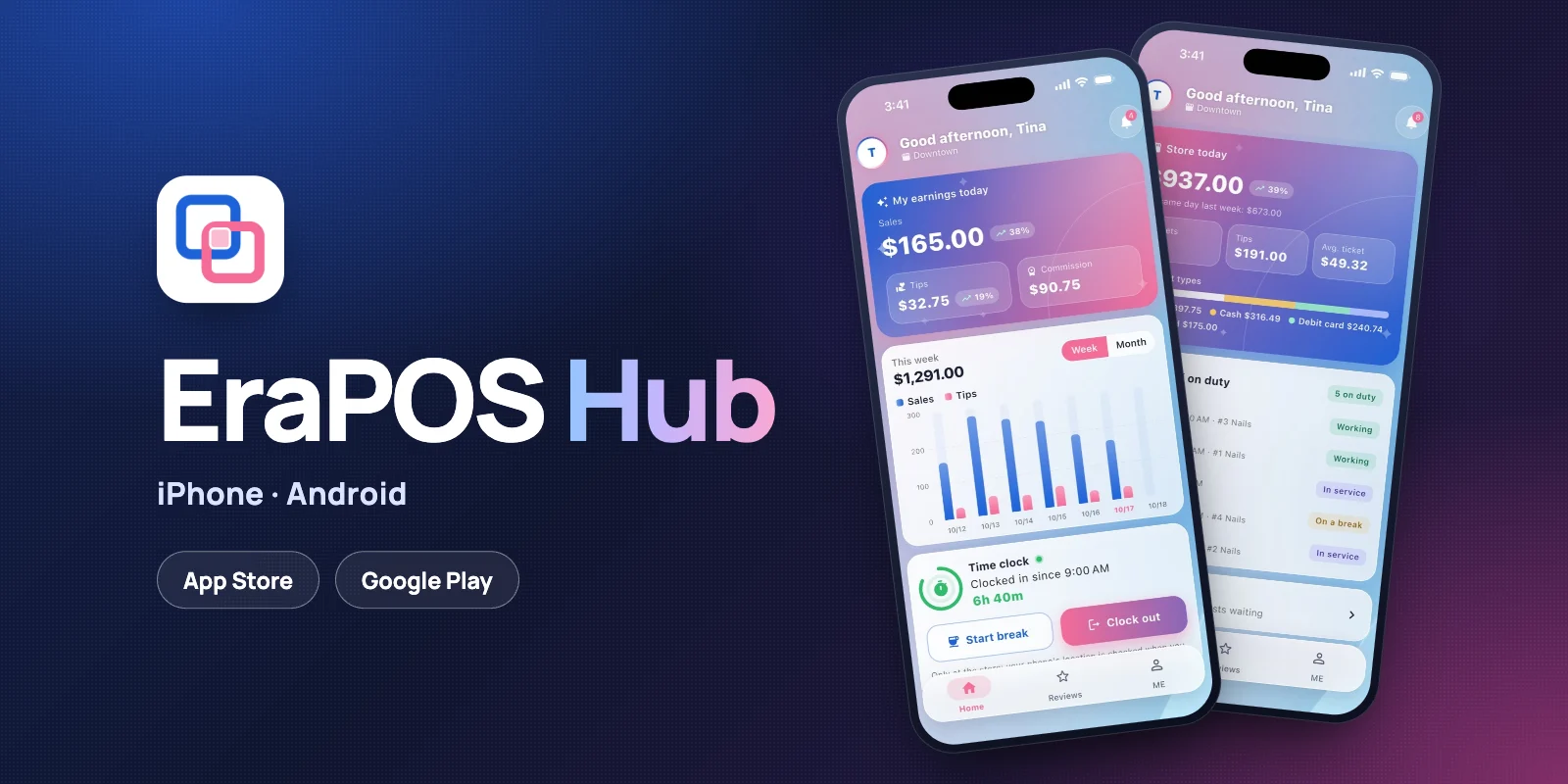
EraPOS Hub puts your salon in every pocket. Technicians see their earnings, appointments, turn and pay; owners see the store today, approvals and alerts. It works in English and Spanish, on iPhone and Android, and comes with EraPOS.
- Earnings as they happen
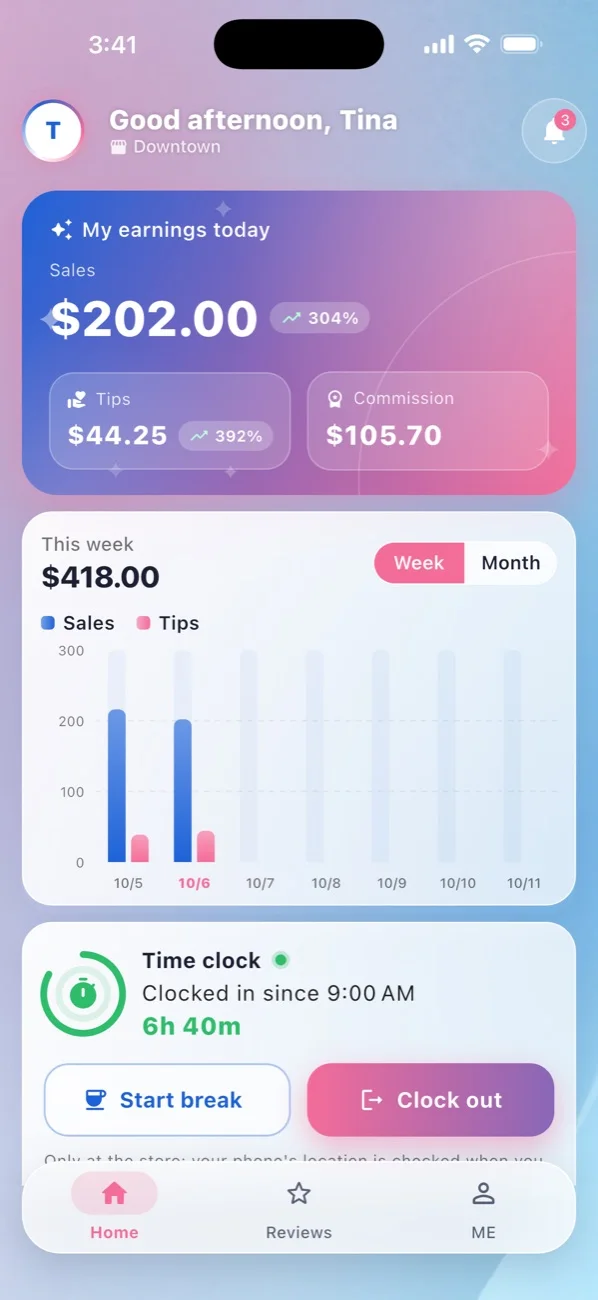
Today's sales, tips and commission, with the week or the month on a chart. - The book and the turn queue
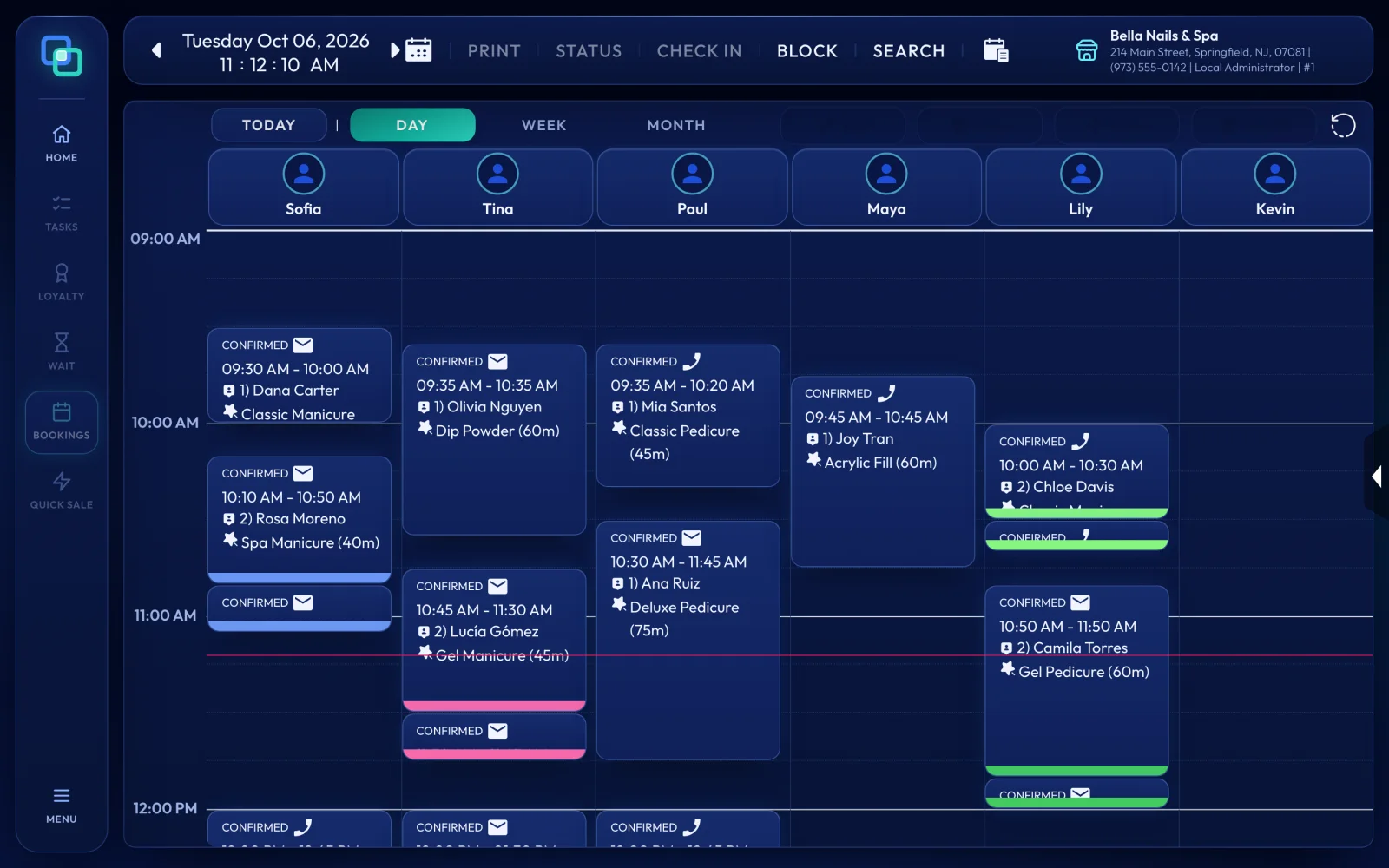
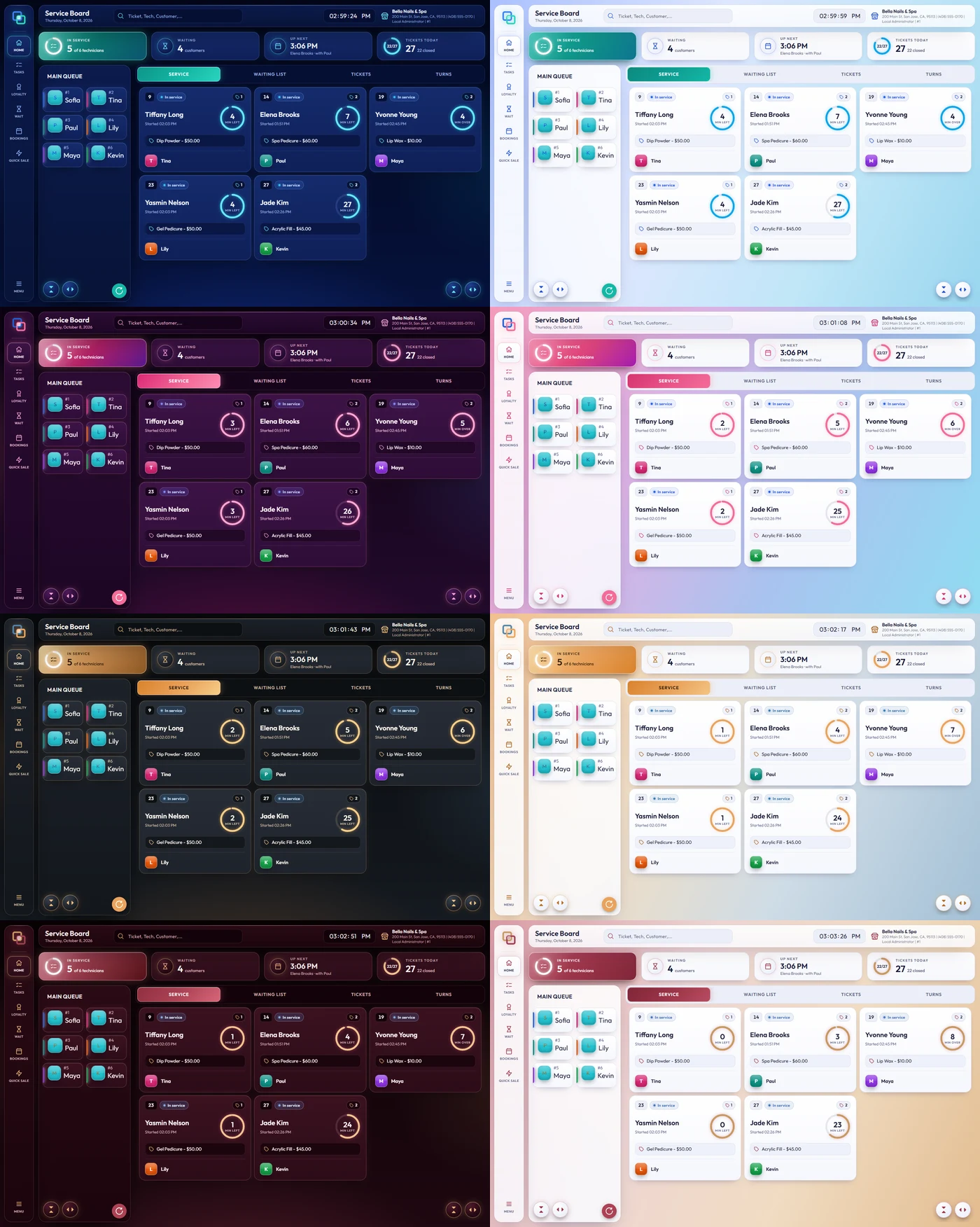
Book a client, block time and check your place in the queue without asking the front desk. - Pay you can check
Pay statements, work orders and sales, laid out like the slips the POS prints. - The store from anywhere
Today against last week, who is on duty and what is waiting for your approval.
What it does
For technicians
The home screen shows today's sales and tips, with arrows comparing them with the same day last week, and commission unless the owner chooses to hide it. A chart shows the week or the month. The time clock lets technicians clock in, clock out and take breaks from their phone, but only at the salon: the app reads the phone's location at the moment of the tap and at no other time.
Appointments open by week or month, with tabs for All, New, Check-in, Completed and Blocked, and technicians can book a client or block time inside the store's hours. They can also see their place in the turn queue and their schedule, and ask for time off. They see the clients they have served, with visits and notes, and can add a note of their own. Their pay statement is there for each pay period, along with work orders and sales for any day.

For owners
Owner mode opens with the store today against the same day last week: sales, tickets, tips, average ticket and payment types, for every store you own. Below it you see who is working, in service or on a break, and any time off waiting for you to approve or decline. From there you can open the end-of-day report for any day, move or reassign appointments, send announcements to your team and choose what staff see in the app, such as their commission. Alerts tell you about refunds, voided tickets, large sales ($200 or more, unless you change the amount), new online bookings and the end-of-day summary.
The app has no ads and no tracking. Each person can lock it with Face ID, a fingerprint or the phone's passcode, and its screen is covered while it is in the background, so pay never shows in the app switcher.
How to start
EraPOS Hub is on the App Store and Google Play. To get your team ready, open each employee in Back Office › Employees, go to the Mobile Access tab and turn on EraPOS Hub (Tech), or EraPOS Hub (Owner) for owners. Once the app is installed, each person enters their work email, types the code we email them, chooses your business and signs in with their own staff login. Technicians use one phone and owners up to two devices. If a phone is lost, Reset Device on the same tab signs it out.