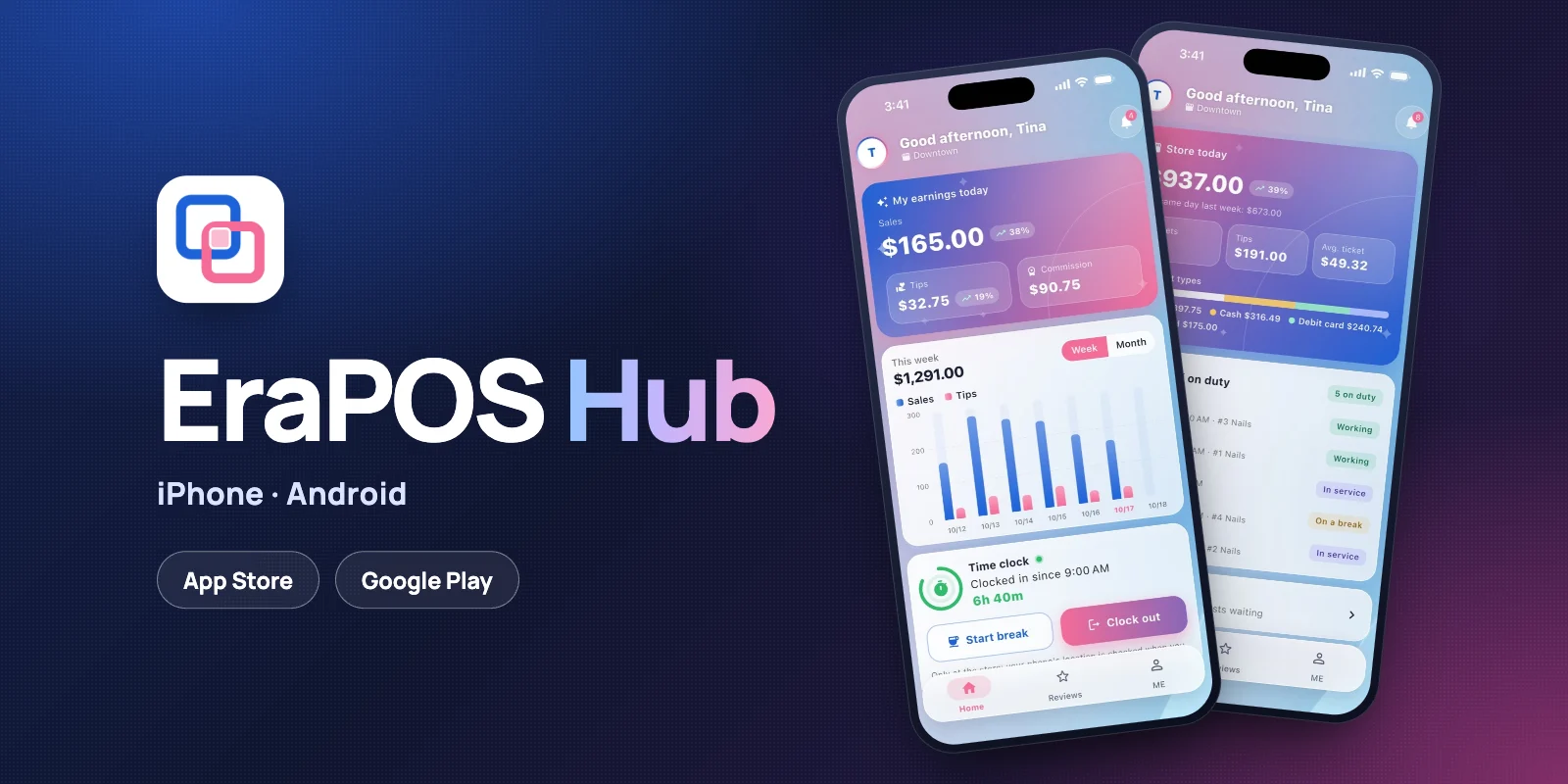
EraPOS Hub, the phone app for your technicians and owners, is ready to download. It is free on the App Store for iPhone and on Google Play for Android, and it works with every EraPOS store.


- For technicians
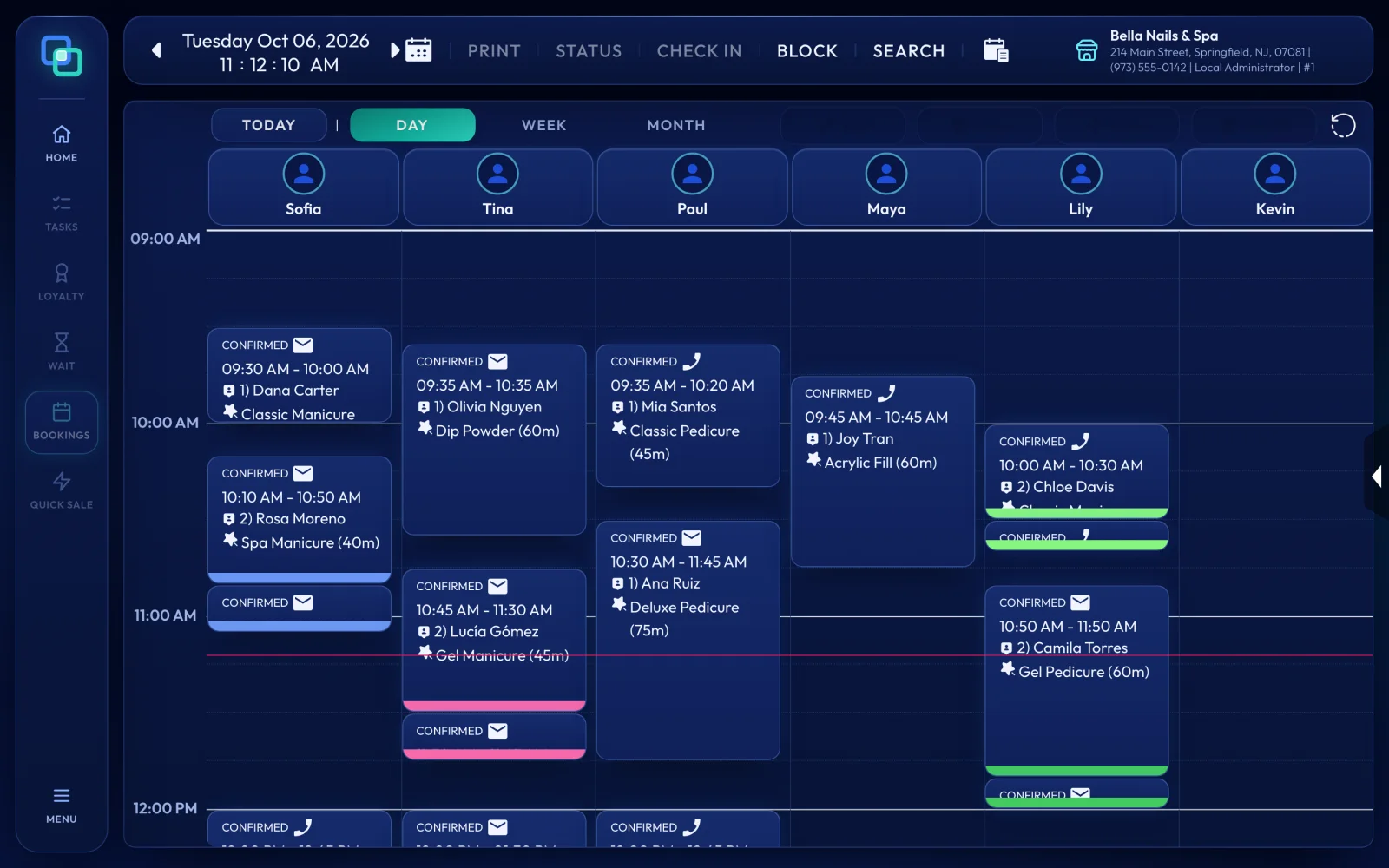
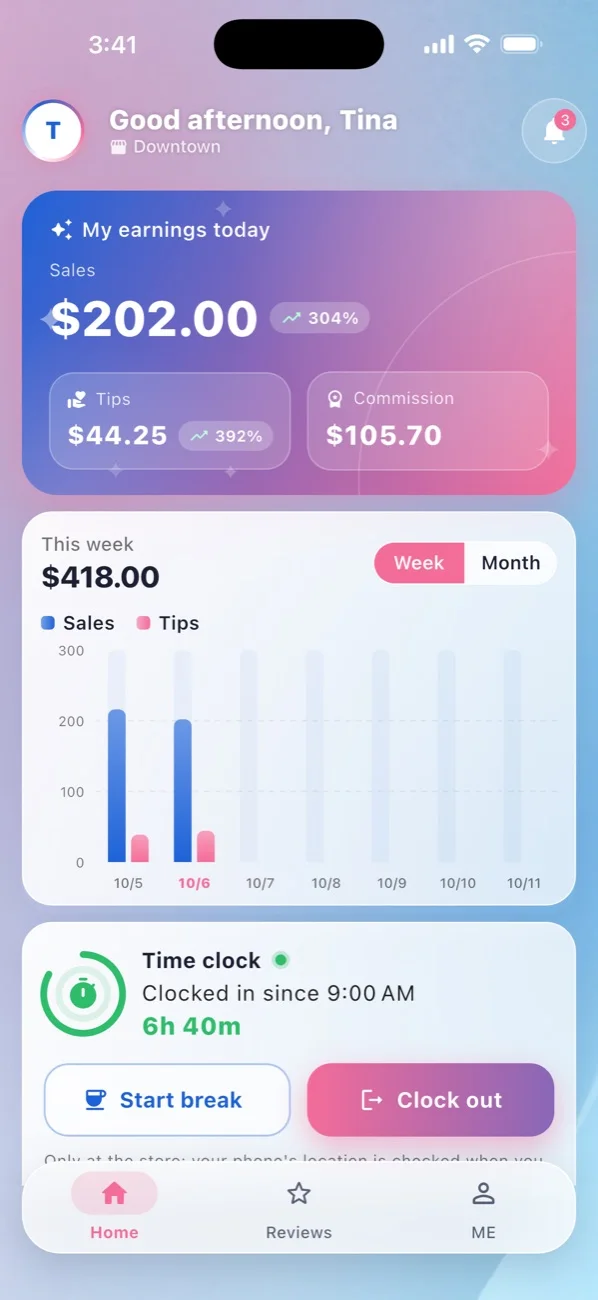
Today's sales, tips and commission, the book, their place in the turn queue, their reviews and their pay stubs. - For owners
Every store today against last week, who is working, time off to approve, and alerts for refunds, voids and large sales. - Private, in their language
No ads and no tracking, a lock with Face ID or a fingerprint, and the whole app in English or Spanish, as each person chooses.
How to start
- Turn it on for each person. On the register, open MENU › Back Office › Employees, open the employee, then the Mobile Access tab, and switch on EraPOS Hub (Tech), or EraPOS Hub (Owner) for an owner.
- They confirm it is them. EraPOS emails them that your business added them to EraPOS Hub. They open the link and choose Yes, that is me.
- They install the app from the App Store or Google Play.
- They sign in with their work email and the code EraPOS emails them, then with their own back office login on your business's sign-in page. No new password.
Step by step
Get EraPOS Hub and sign in goes through every screen, and what to do when a code does not arrive.
- EraPOS Hub - everything the app does, for technicians and owners
- EraPOS Hub for technicians - earnings, the book, turns and pay
- EraPOS Hub for owners - the store report, approvals and alerts