v1.0.0September 29, 2026
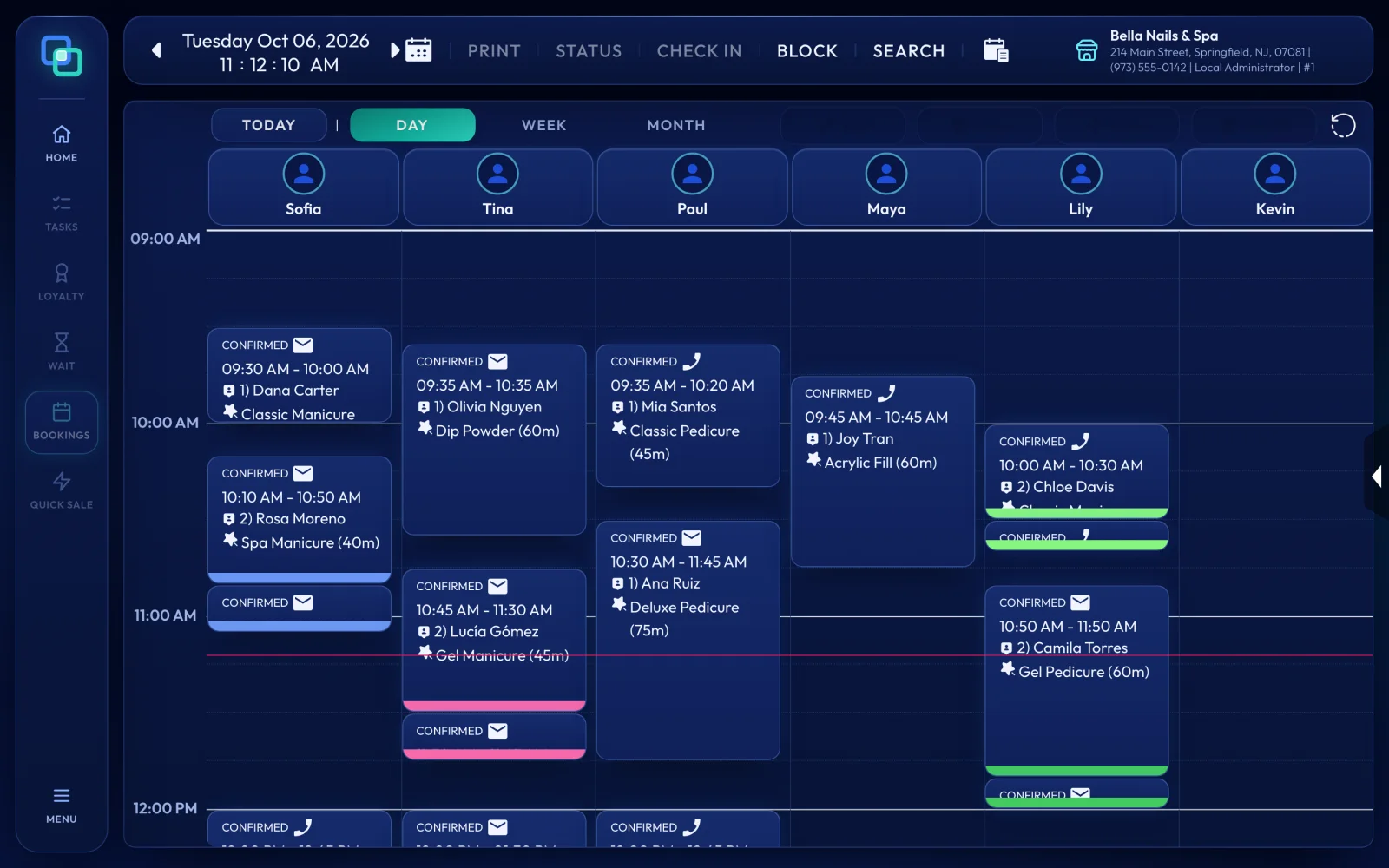
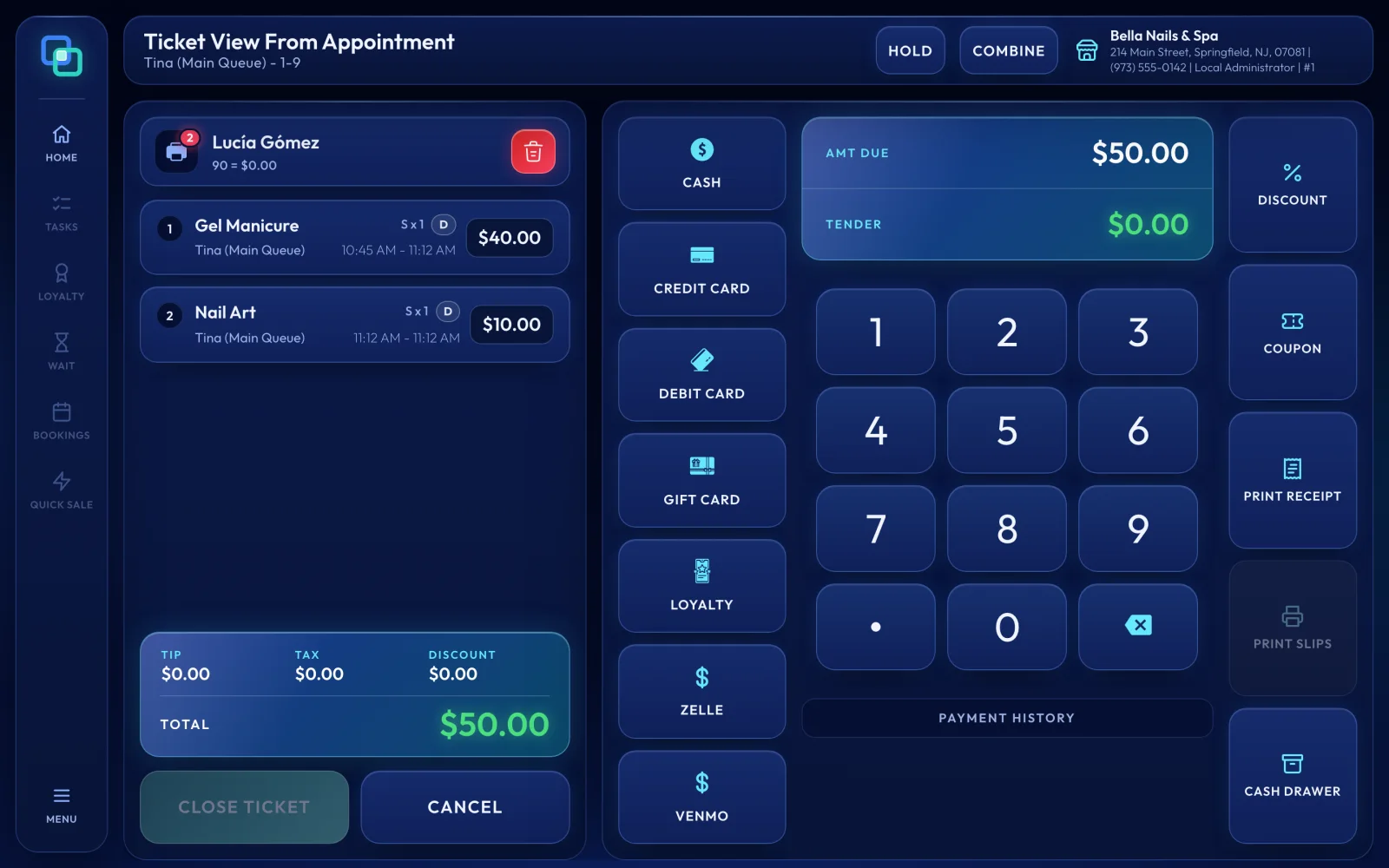
EraPOS 1.0 is our first release: checkout, the appointment book, staff and reports, run from a PC at your front desk and shared by every register on your store network, with a self check-in kiosk and a daily close-out.
Highlights
Two things make 1.0 what it is. Your salon's records live on your own store PC at the front desk, and every register on your store network works from that same copy. And every day can end with a close-out that counts the cash and makes sure nothing is left open.
Changes
- Added Customers, tickets, appointments, employees and settings, kept on the store PC at your front desk.
- Added More registers on your store network, connected securely to the store PC and sharing the same customers and tickets. A ticket open on one register is held for it, so two people cannot change it at the same time.
- Added Changes reach every register as they happen, and work saved on a register is kept through a lost connection or a restart and sent on when the connection is back.
- Added The EraPOS app for Windows: start it with EraPOS.exe, let it start by itself when you sign in to Windows, and back up your data with a backup that checks its own copy.
- Added Sales reports you can export to a spreadsheet file (CSV), and a daily close-out: enter the opening float and the cash you counted to see any difference. Open tickets must be finished first, and a closed day cannot be changed.
- Added A self check-in kiosk: clients find themselves by phone number or sign up, choose services and, if they like, a technician, and join the waiting list. Each tablet has its own access, and check-in stops after close-out.
- Added Roles and permissions set by the owner: create roles, search the permissions and assign employees. Changes reach every register right away and are recorded.
- Added One owner account for each store PC: on a new installation, the first sign-in becomes the owner account.
- Added The Pink, Glow and Burgundy themes, with matching icons and loading screens.
Before you start
Heads-up
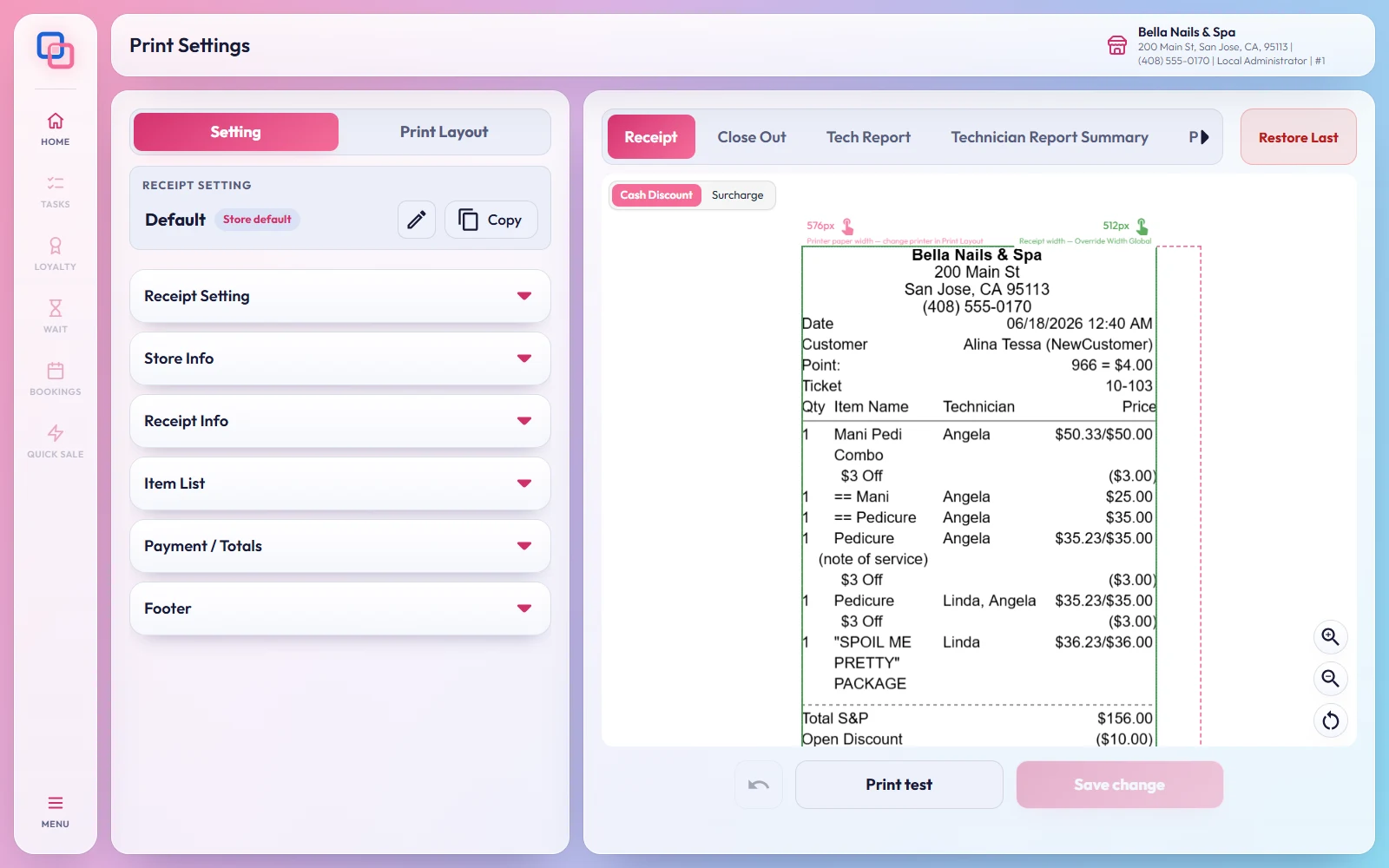
Keep the store PC on and signed in to Windows while your registers are in use. Test your receipt printer and cash drawer before you use them with clients. Card payments, text messages and email each need their own setup: ask us about yours.
- Set up the store server PC - starting EraPOS and adding registers
- Close out the day - counting the drawer and closing the day