v1.0.1October 8, 2026
Today's update opens the cash drawer by itself when a client pays in cash, brings EraPOS's look to the last screens that were missing it, and fixes the small problems we found by going through every screen.
Highlights
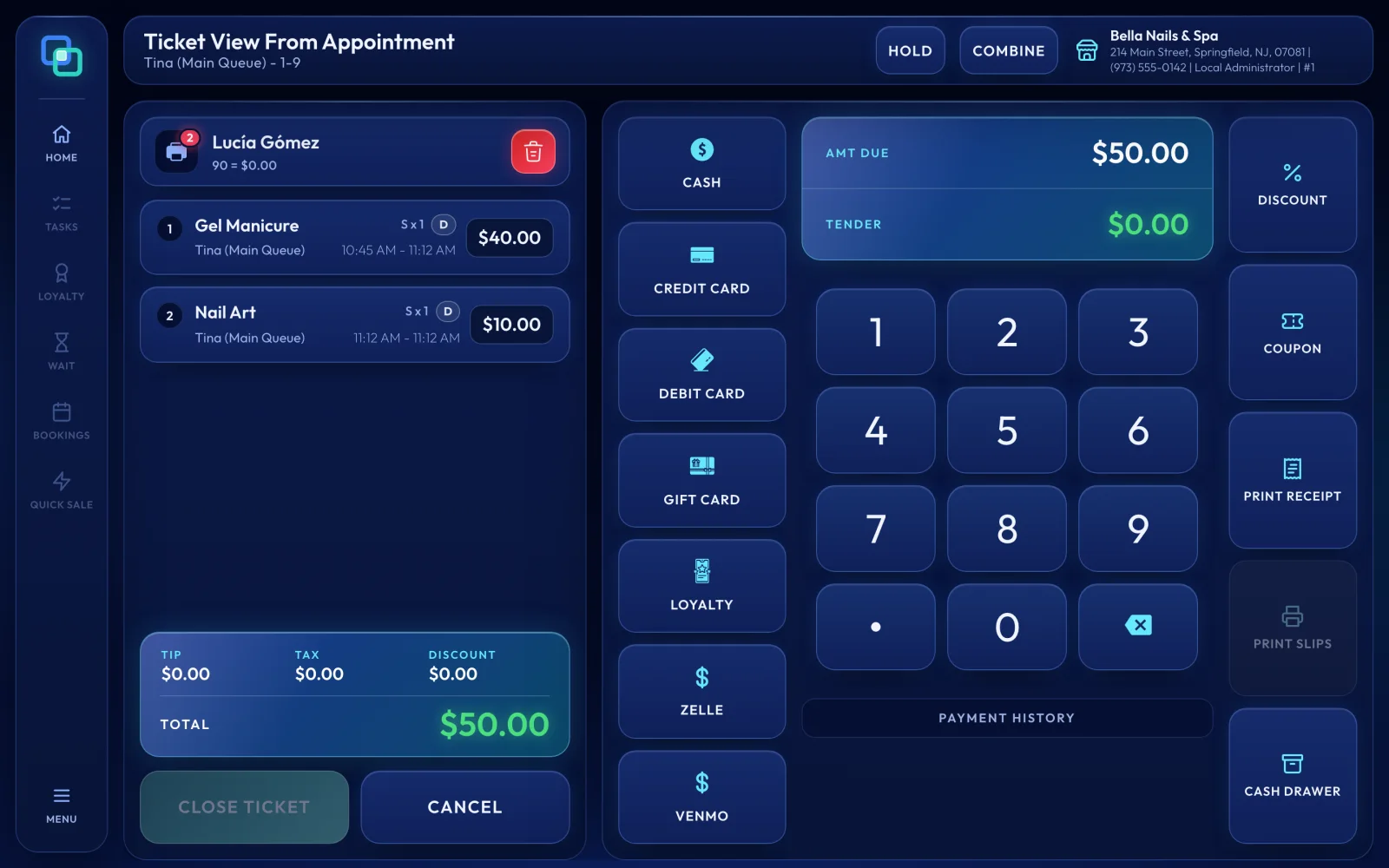
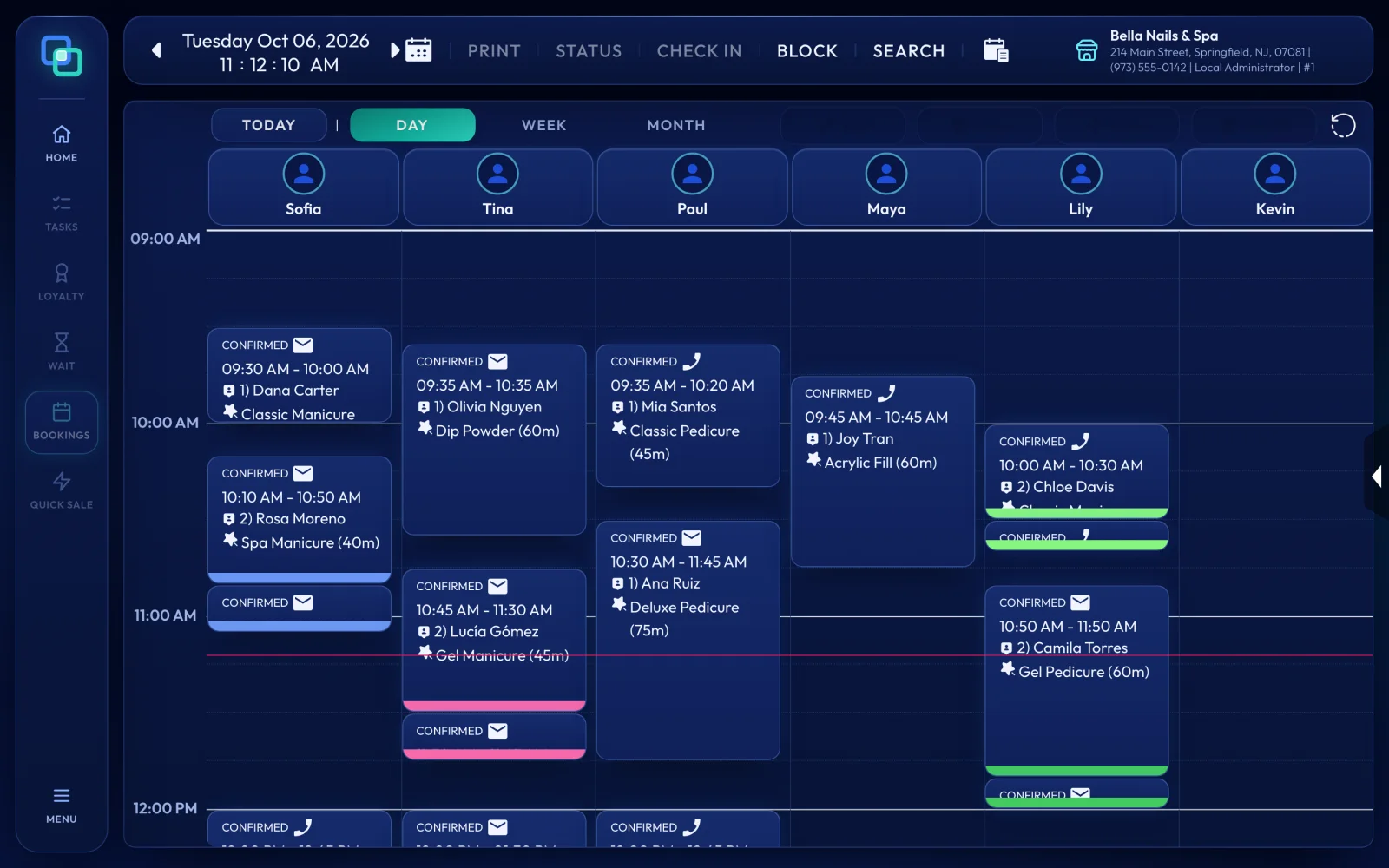
A cash payment now opens the cash drawer automatically, so nobody has to reach for CASH DRAWER after every cash sale; the button is still there whenever you need to open the drawer yourself. We also went through every screen in Midnight dark and Pink light on a busy day, and fixed whatever looked or worked wrong.
Changes
- Added A cash payment opens the cash drawer automatically.
- Added The receipt printer guide now covers printers that print but do not cut the paper because their driver is set not to cut.
- Changed The back office on phones and tablets follows EraPOS's look: list pages have a header that stays in view, one row of filters and actions and a full-width search, and the forms match.
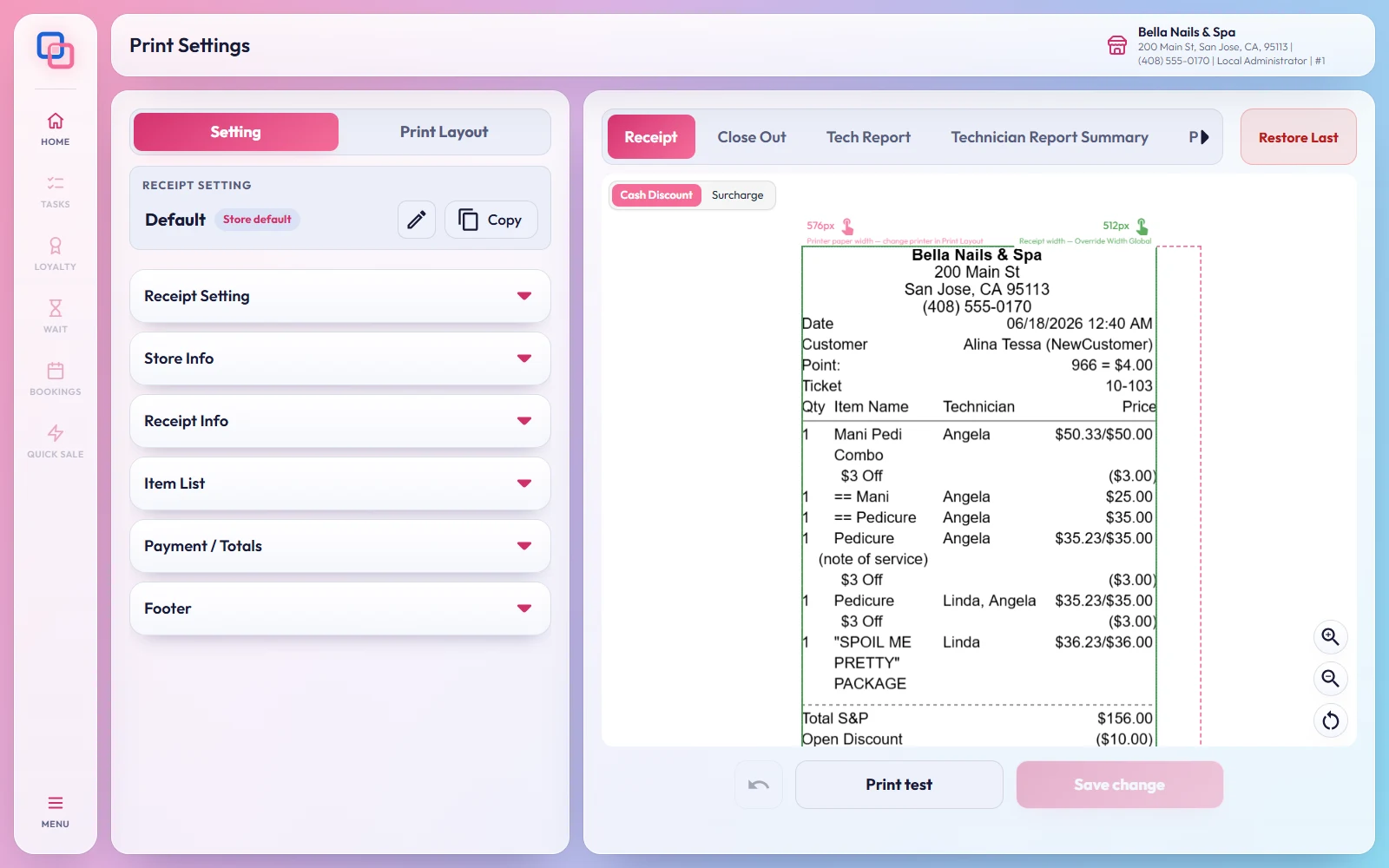
- Changed Print Settings, the reports' filter and date bars, chart titles, empty charts, summary tables, the number pads, the Cash Log and day arrows in Cash In/Out, the offline indicator and Ticket Adjustment now follow your theme.
- Changed Appointment colour tiles with no colour set preview as they will look on the book, instead of black.
- Changed Turn cells show the ticket number and total in the cell's own colour, and the Round label is easier to read.
- Fixed Reloading a report page shows the report again, instead of a page of raw data.
- Fixed Opening the new-appointment page directly goes to the appointment book instead of a blank page.
- Fixed When a sign-in does not include a screen, EraPOS now says so plainly, with a button back to the Service Board.
- Fixed The Create Tax pages save properly, show that they are working and have a way back.
- Fixed Turn cells showed $0.00 for every ticket; they now show the ticket's total.
- Fixed The Waiting List report no longer shows a "0-0" ticket, and says "Any technician" when no technician was chosen.
- Fixed The sample receipt in Print Settings shows technicians as plain names, and the Percent label on tax forms stays in place.
- Fixed Print test no longer shows an empty error notice.
- Fixed The preview on the Customize screen stays inside its card.
Upgrading
Heads-up
Nothing changes in how you work. Once your registers have the update, ring up a cash payment and check that the drawer opens. If your printer prints but does not cut, see the Connect a receipt printer and cash drawer.