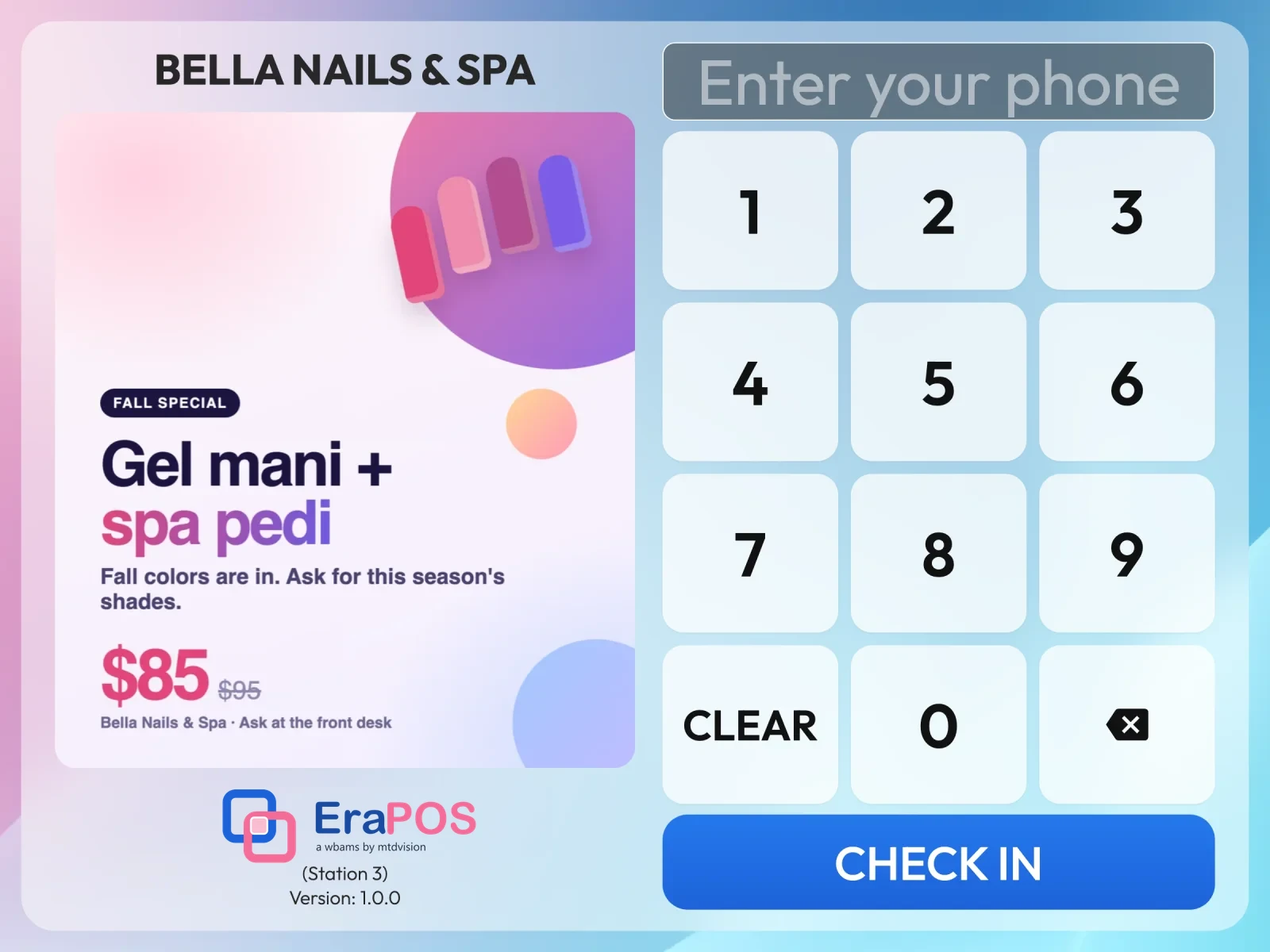
Walk-in clients can now check themselves in on a tablet at the door. They type their phone number, choose their services and, if they like, a technician, and they appear on the waiting list at every register right away.
- Found by phone number
Returning clients type their number; new clients sign up in a few taps. - They choose, you prepare
Services from the categories you pick, and a technician working today or Next Available. - Straight to the waiting list
Each arrival shows on the WAITING LIST tab at once, ready to become a ticket. - A Wheel of Fortune
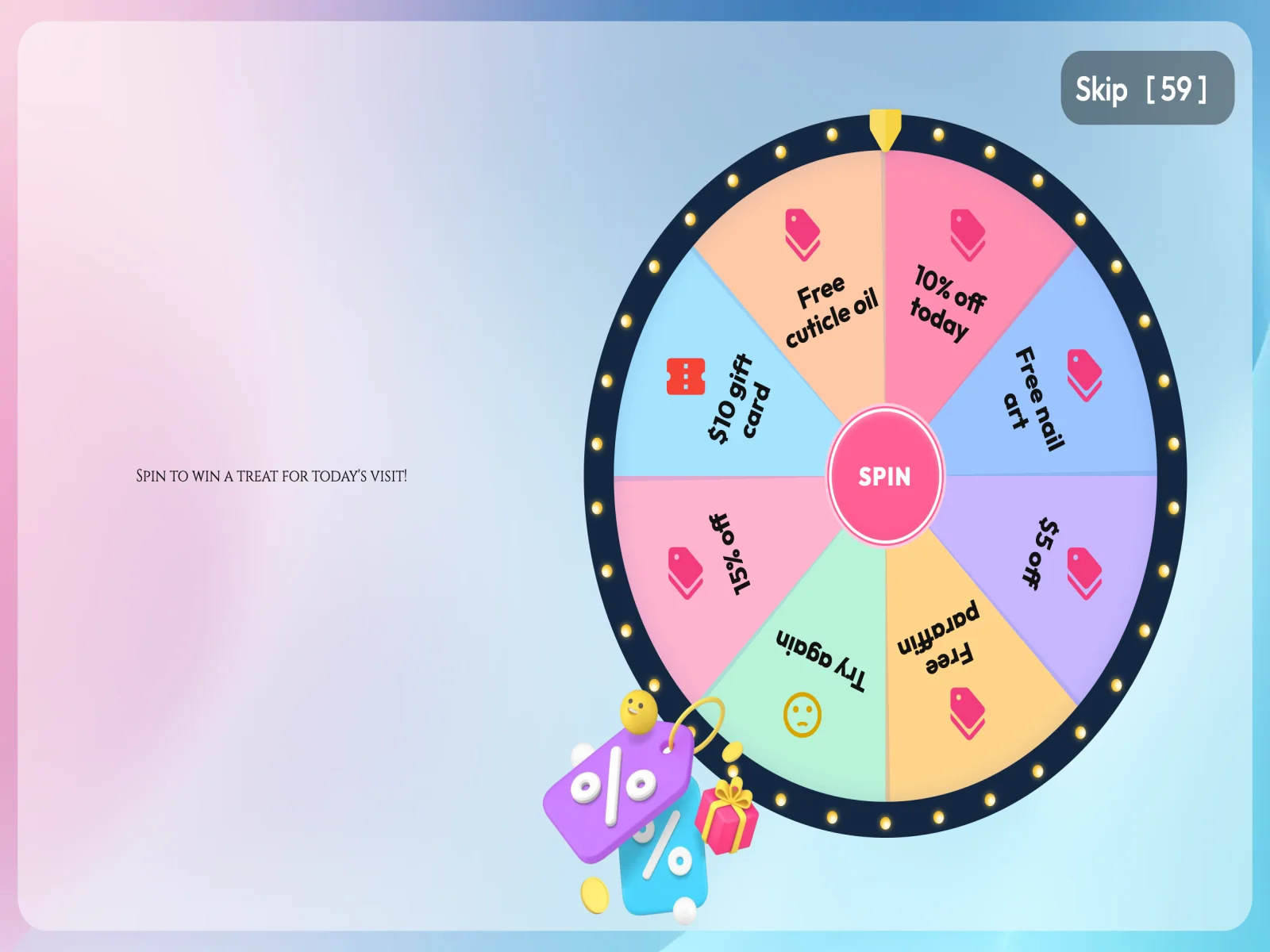
Clients spin for a prize you choose, and the register applies it when they pay.
What it does
The welcome screen shows your own pictures beside a large keypad: one picture, or several as a slideshow. The client types their phone number and taps CHECK IN. A returning client goes straight on; a new client fills in a short sign-up with only the details you ask for, such as name, birthday and email. On their birthday, clients are greeted with a birthday message.
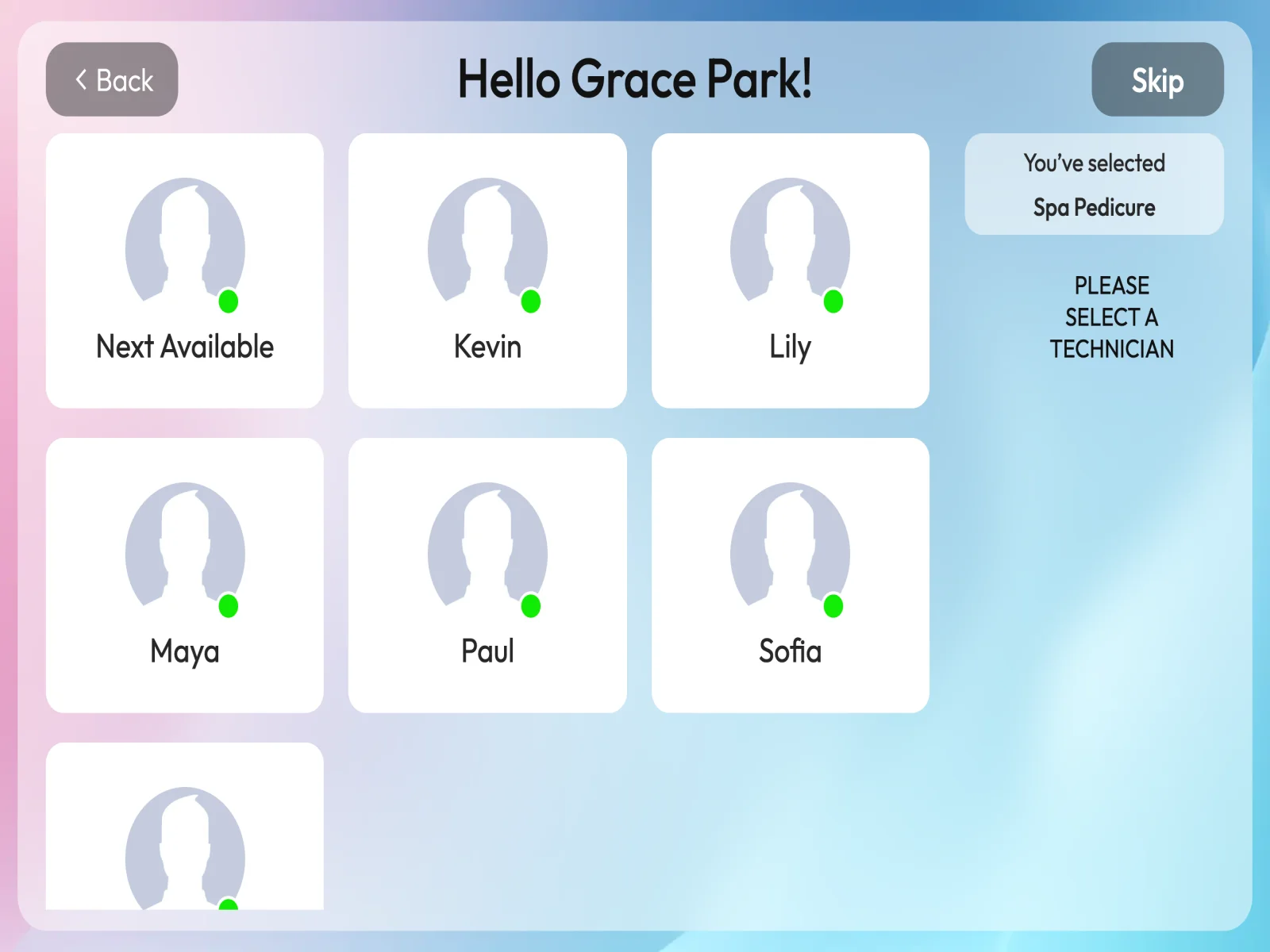
If the client has an appointment today, including one booked online, the tablet asks them to confirm it. Otherwise they choose services by category and, if you allow it, a technician. Only technicians clocked in today are offered, with Next Available first, and the choice is a request, not a promise. If you have a business policy, the client accepts it, and services that need a waiver are signed right on the tablet.
When you turn on the Wheel of Fortune, clients spin it as they check in, on the days and dates you choose, and only for new clients if you prefer. A prize they claim is not left to anyone's memory: the register applies it as a discount when they pay.
The thank-you screen shows the client's waiting number and, if you choose, their loyalty points balance. A receipt printer plugged into the tablet can print a slip. At the front desk, the arrival appears on the WAITING LIST tab of every register at once, ready to turn into a ticket. A client who checks in twice is not added twice, and check-in stops after the day's close-out.
The tablet only knows what it needs: it cannot read staff records, customer lists or reports, and it goes back to the welcome screen by itself when no one is using it.
How to start
You need an Android tablet (Android 7 or newer) with the EraPOS Check-in app, on your store network. What it shows is set up in your back office: the pictures, the sign-up questions, services and technicians, appointments, loyalty, your policy, waivers, the slip printer and the Wheel of Fortune. Each tablet starts with its own activation code, and the changes you make reach it within a minute. If you would like a hand with the first tablet, contact us.