

QUICK SALE on the side rail starts a ticket in your own name in a few taps. You type your POS password, EraPOS checks your role, offers to clock you in if needed and opens a new ticket, ready for services or products.
What it does
Instead of tapping a technician in the Main Queue, the employee identifies themselves with their own password, so the ticket carries their name. It suits sales made at the counter, such as a retail product or a gift card. When you tap QUICK SALE:
- EraPOS shows Enter password. The employee types their own POS password, the same one they clock in with.
- EraPOS checks that their role includes the Fast sale permission. If it does not, it says This employee does not have permission to perform Quick Sale.
- If they have not clocked in yet, EraPOS shows their name with a Clock In button; once they clock in, it carries on.
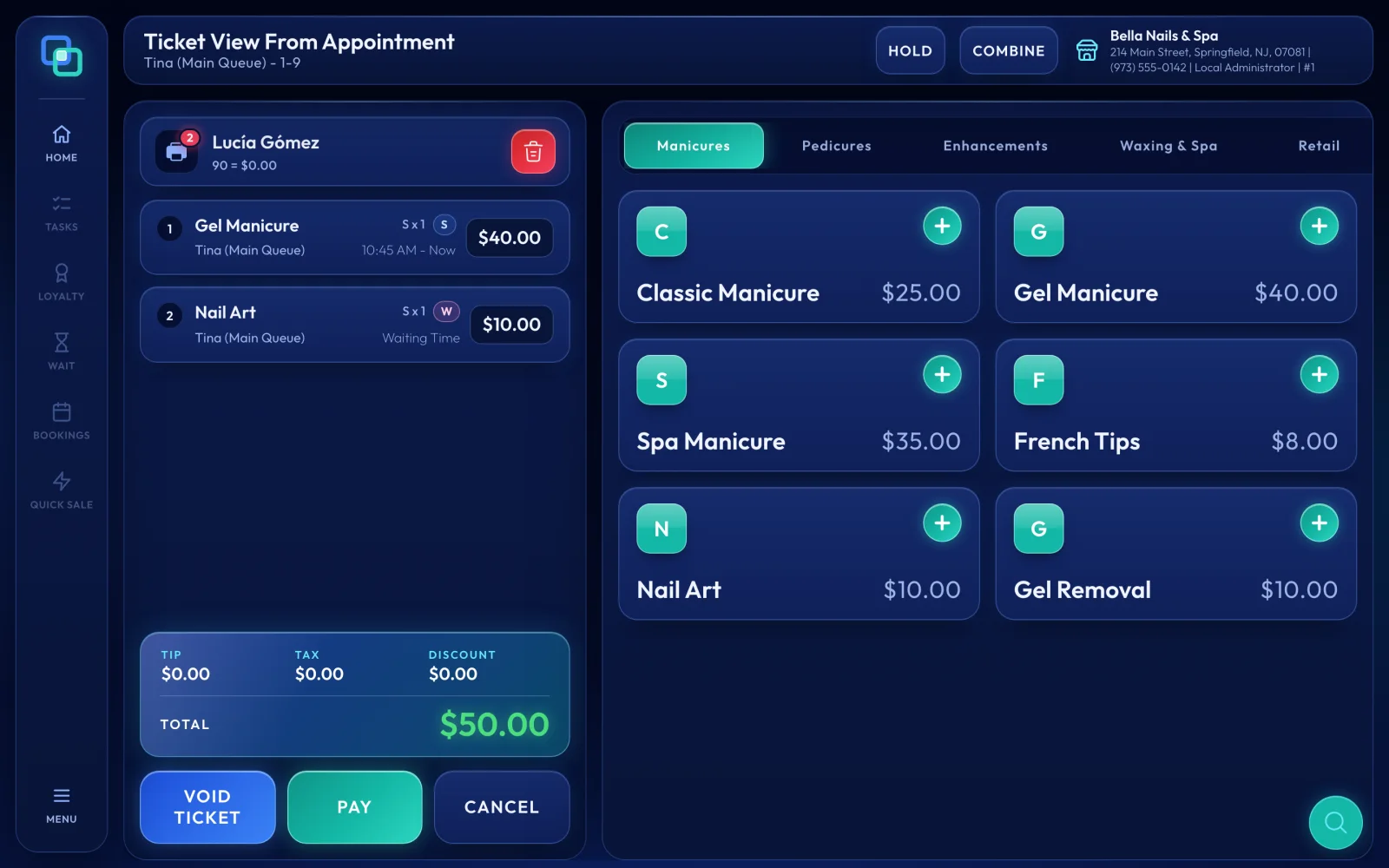
- A new ticket opens in their name. Add the items, choose PAY and close it as usual.
Where to find it
QUICK SALE is on the side rail of the Service Board, below BOOKINGS. Like the other rail buttons apart from HOME and MENU, it works on the Service Board only and is greyed out on other screens. If you do not see it at all, Quick Sale is turned off for your store; ask us if you would like it on.
Tips
- Give every employee their own POS password and ask them never to share it, so each sale shows who made it.
- Turn on Fast sale only for the roles that should use it. See Add employees and set their roles.
- Add the customer with Select customer at the top of the ticket, so the visit lands on their record.
- To sell a product, the employee must be allowed to sell products; otherwise EraPOS asks you to Pick Other Technician.
- Taking payment works as on any ticket. See Ring up a ticket.
Note
Quick Sale asks for a password every time, even on a register where the owner is signed in, so each ticket belongs to the person who typed it.

