
Clients can now check in on their own phone, with no app and no tablet. And EraPOS has a video course, opened from a Help button on every screen.
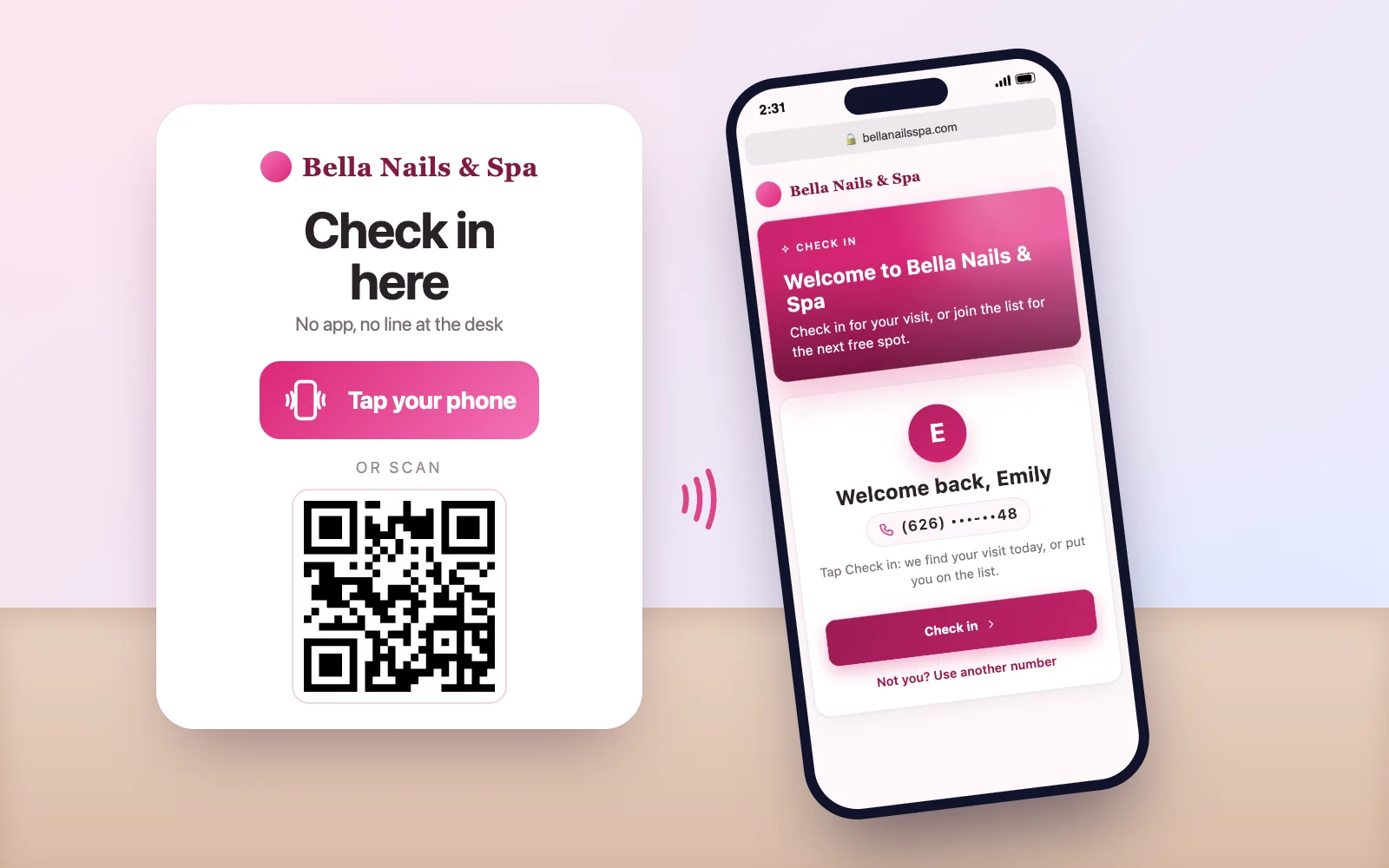
- Check in by phone
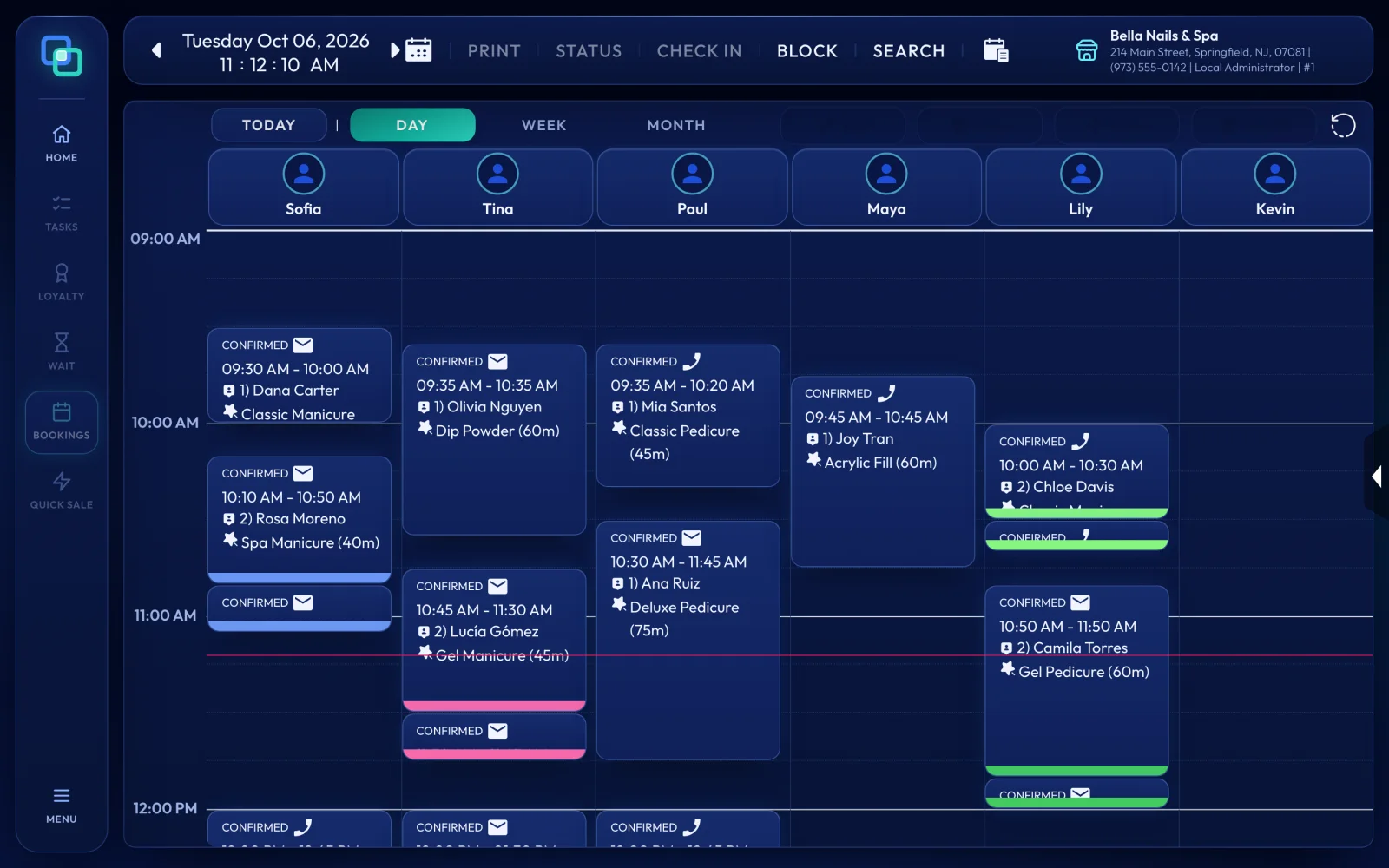
A sign at your door with an NFC sticker and a QR code. Clients tap or scan, type their number and are checked in for their booking, or join the list. The front desk sees them on the Waiting List, marked By phone. - A video for every screen
The 21-chapter EraPOS Owner and Staff Course, in English, Spanish, Vietnamese and Swedish. The Help button on each screen opens its chapter at the right moment. - Number pads, not keyboards
Every POS password types on the register's own number pad, and many smaller screens fit better on narrow registers.
Read Check in by phone to set it up, or watch the course in the Help center.