

Keep the book full: a card on file for bookings, a waiting list for full days, messages that bring clients back, and invitations from your regulars.
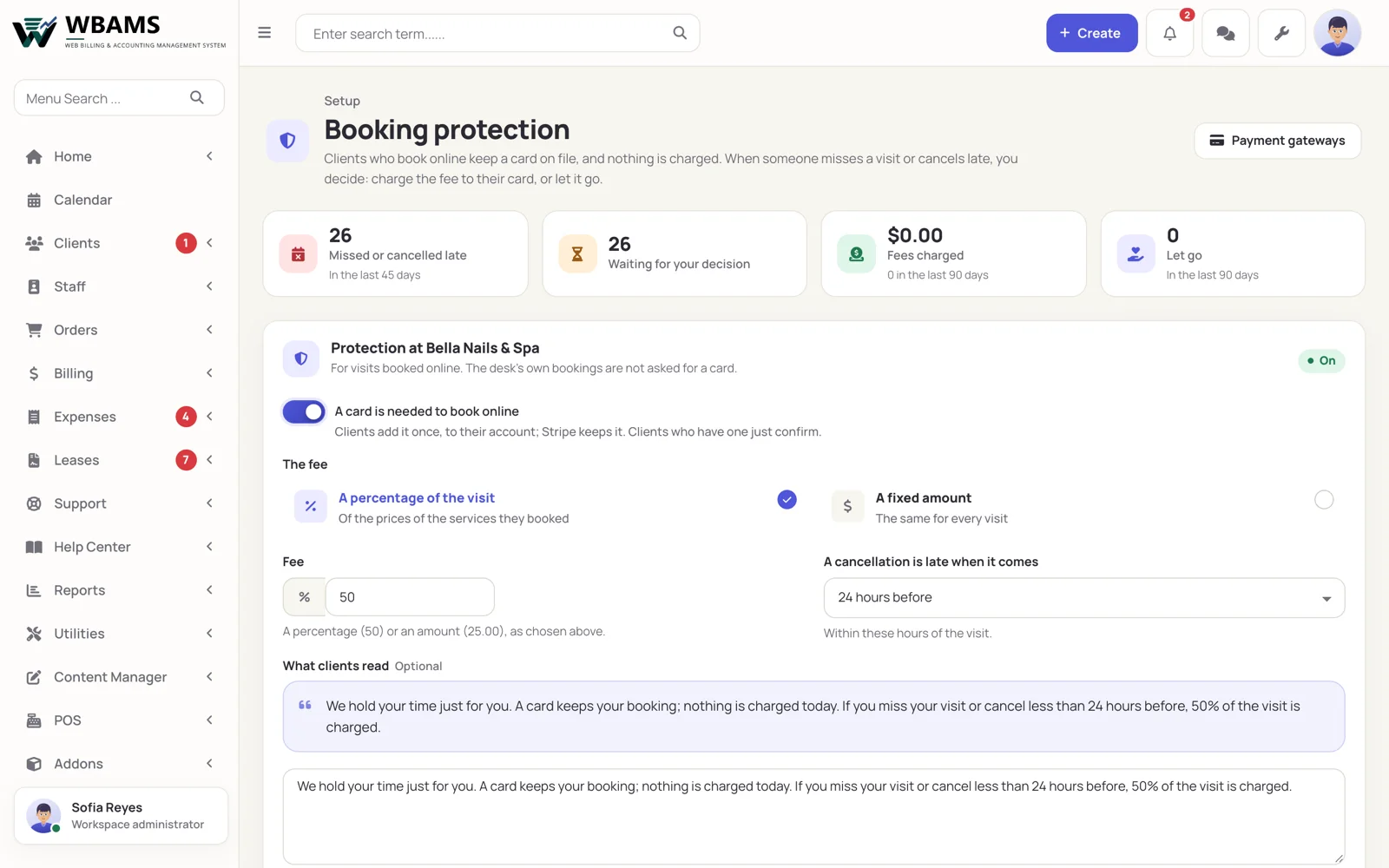
Booking protection
Under System Settings › Booking protection, for each location: ask for a card at Confirm (nothing is charged then), set a fee for a missed visit or a cancellation inside the hours you choose, as a percentage of the visit or a fixed amount, and write the words clients read. Missed visits of the last 45 days are listed with Charge to the client's card or Let go. It needs the Stripe gateway.
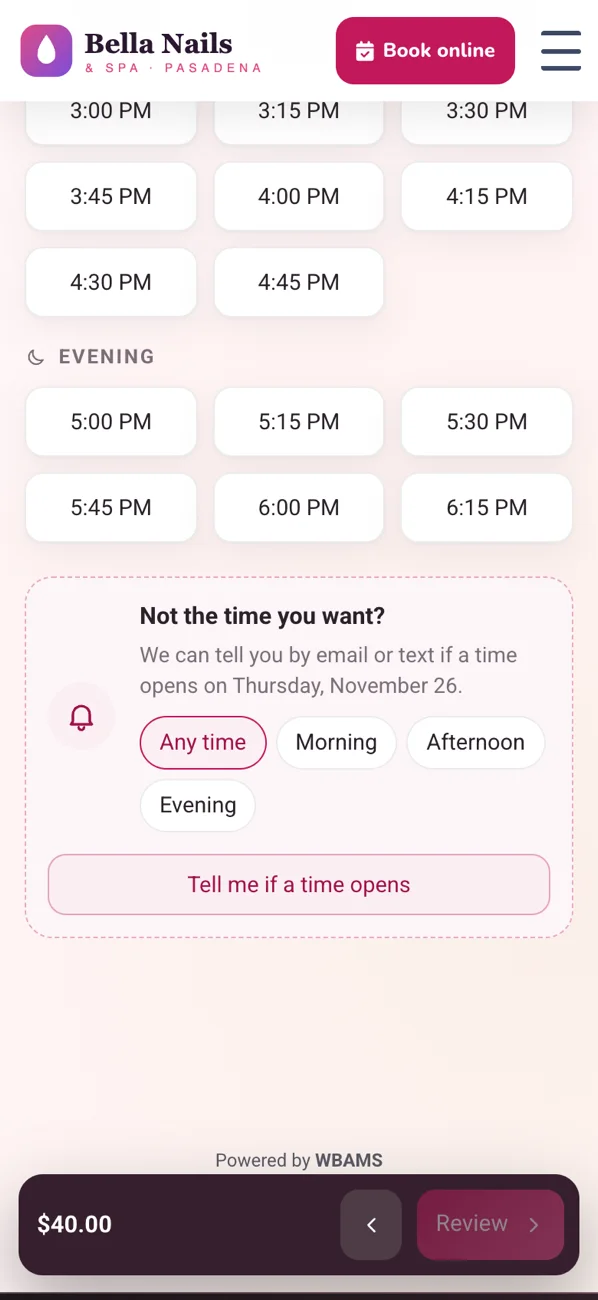
The online waiting list
Turn it on for a location under System Settings › Waiting list. On the booking page, a signed-in client who finds no time they like asks to be told if one opens that day: any time, morning, afternoon or evening. When a matching time is free, they are told once, by email and by text where the location sends texts.
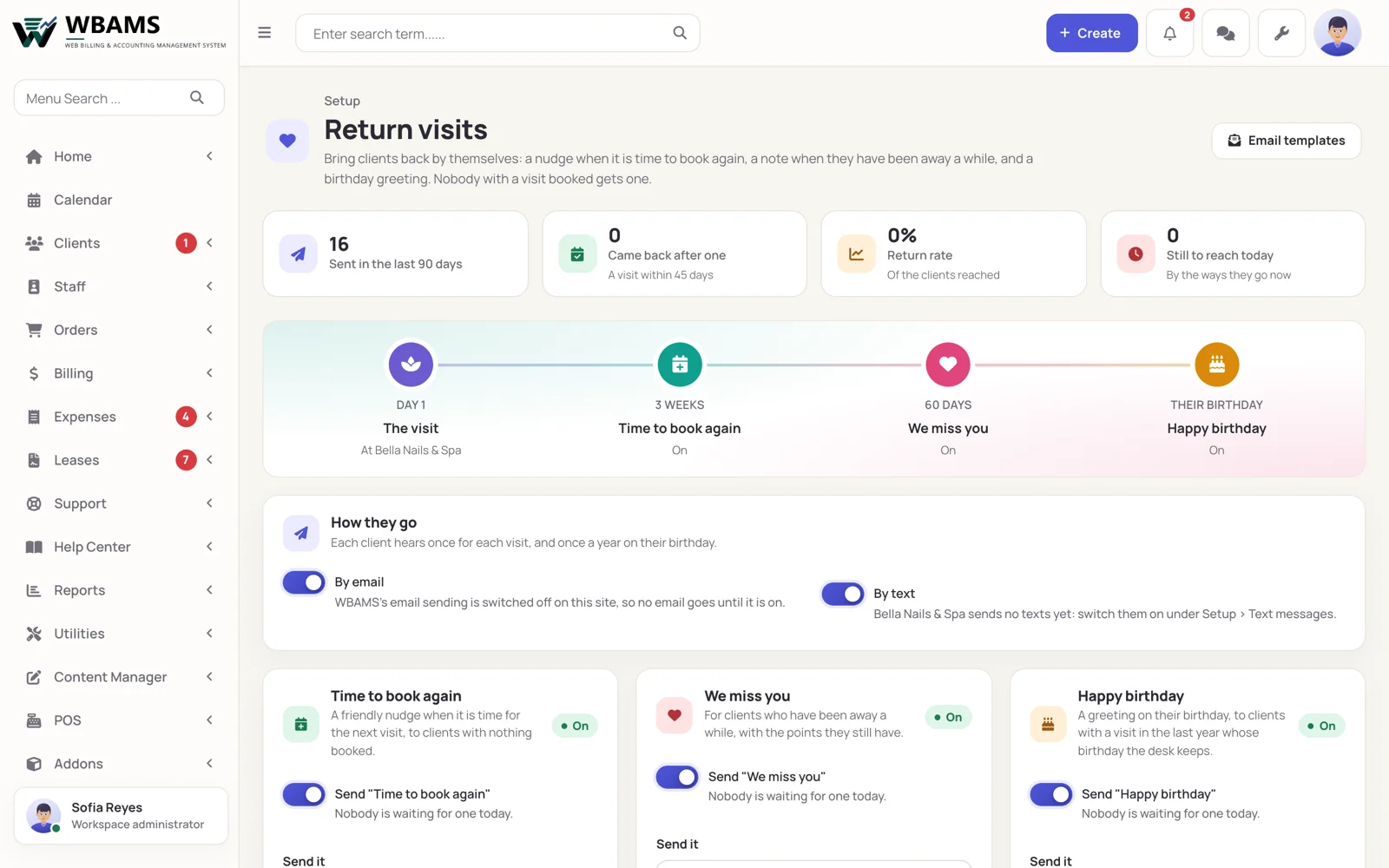
Return visits
Under System Settings › Return visits, turn on Time to book again a few weeks after a visit, We miss you after a longer time, and Happy birthday with optional gift points. Each goes once, by email and by text, only to clients with nothing booked.
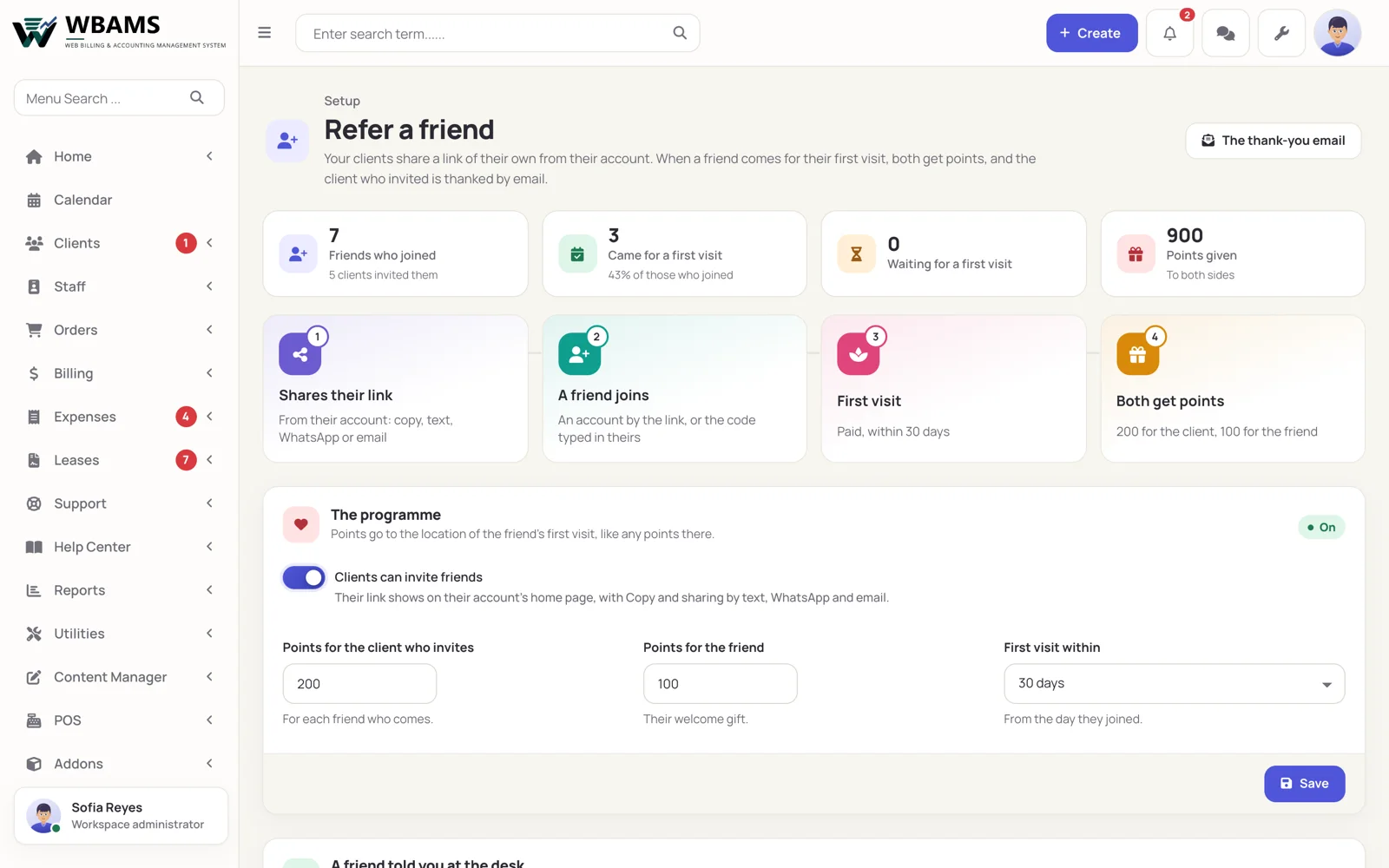
Refer a friend
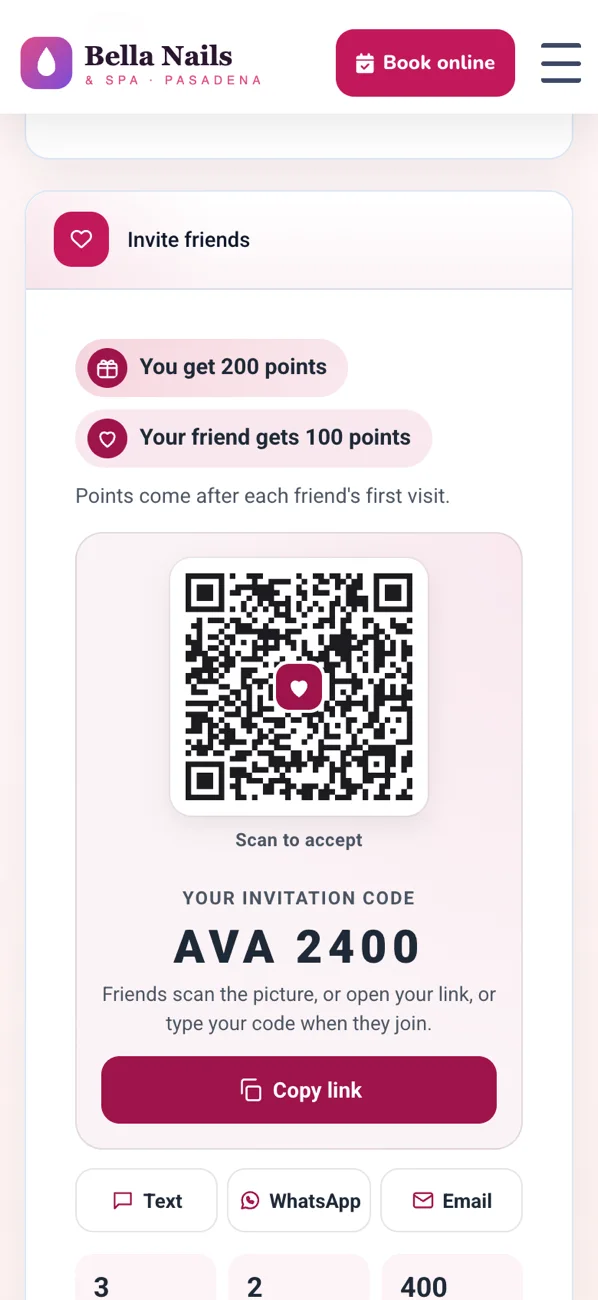
Under System Settings › Refer a friend, turn on Clients can invite friends and set the points for both and how soon the friend must come. Each client's account home page shows their invitation: a QR code, their code, Copy link and sharing by text, WhatsApp and email. A friend who books a first paid visit in time brings points to both, and the client who invited is thanked by email.
Step by step, with pictures, in the EraPOS documentation: Booking protection, The online waiting list, Return visits, Refer a friend.