
Sell visits ahead: a package of visits paid once, or a monthly membership with visits included each month.
Make a package or a membership
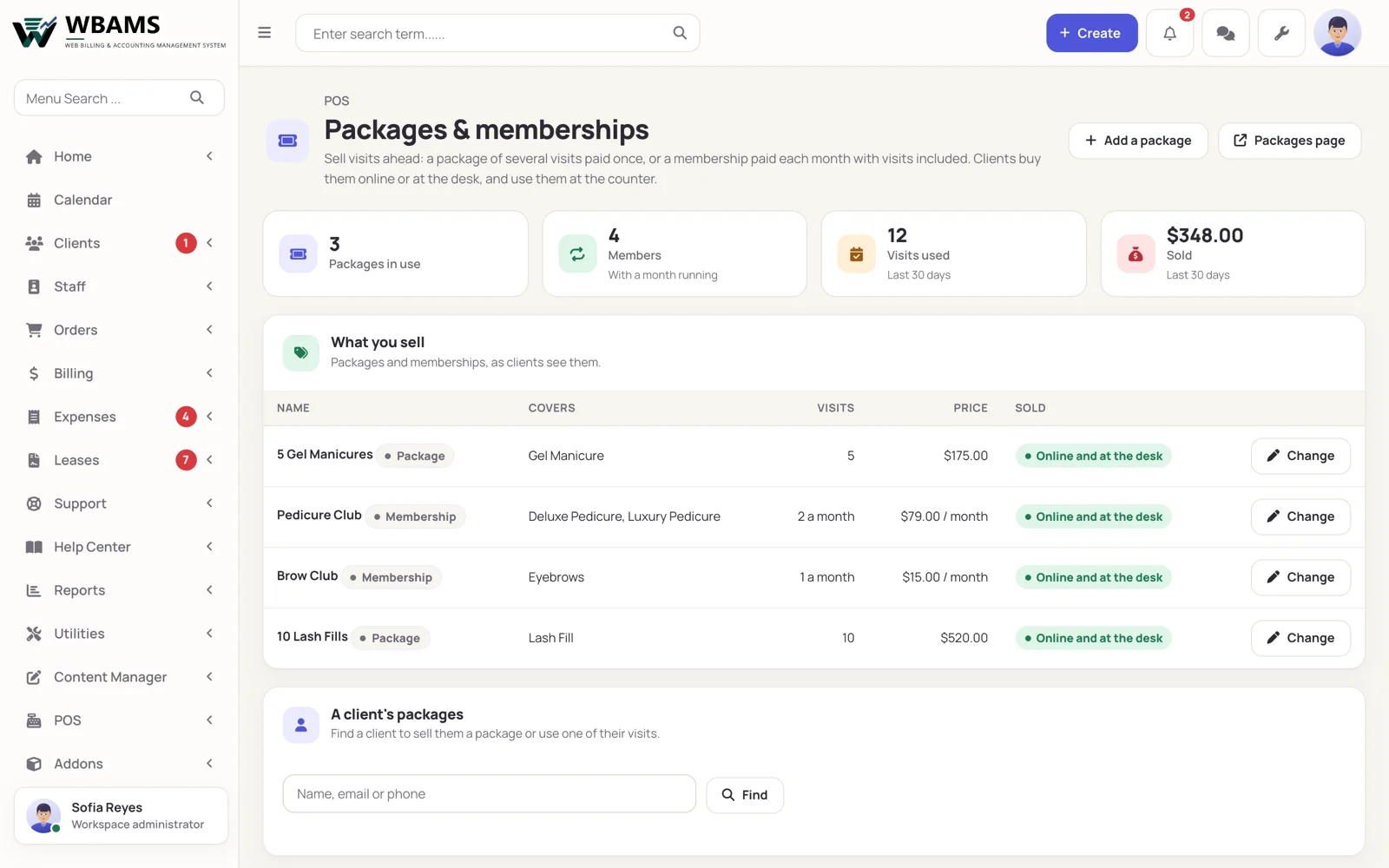
- Open System Settings › Packages & memberships and press Add a package.
- Choose a Package (a number of visits paid once) or a Membership (visits included each month).
- Choose the services it covers, the number of visits and the price.
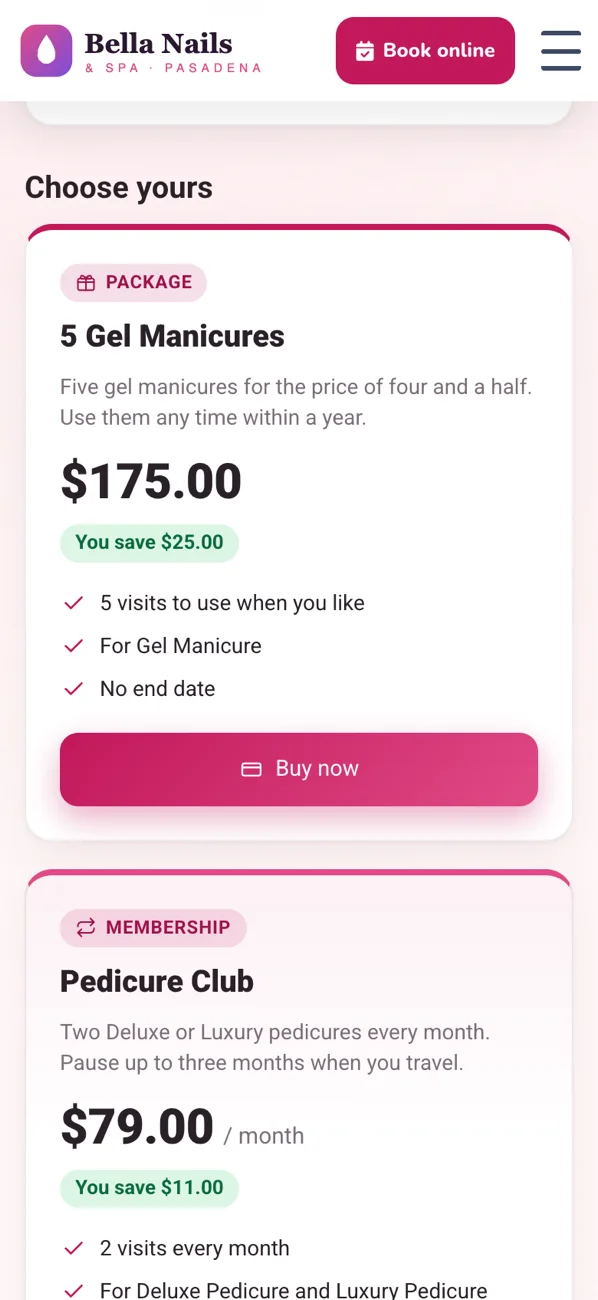
- Choose whether clients can buy it online. Online packages show on your website's /packages page.
Selling and using it
Clients buy online, or you find the client under System Settings › Packages & memberships and sell it at the desk. At the register, a visit is used from the client's package or membership on the ticket. System Settings › Packages & memberships shows what each client has left.
Memberships each month
A membership is invoiced each month, and a card on file pays it. It can be paused for 1 to 3 months, by you or, where you allow it, by the client.
Step by step, with pictures, in the EraPOS documentation: Packages and memberships.