

The extras that make online booking sell more: add-ons under a service, standing visits, prices by the hour, rooms and equipment, and booking from any page.

Service add-ons
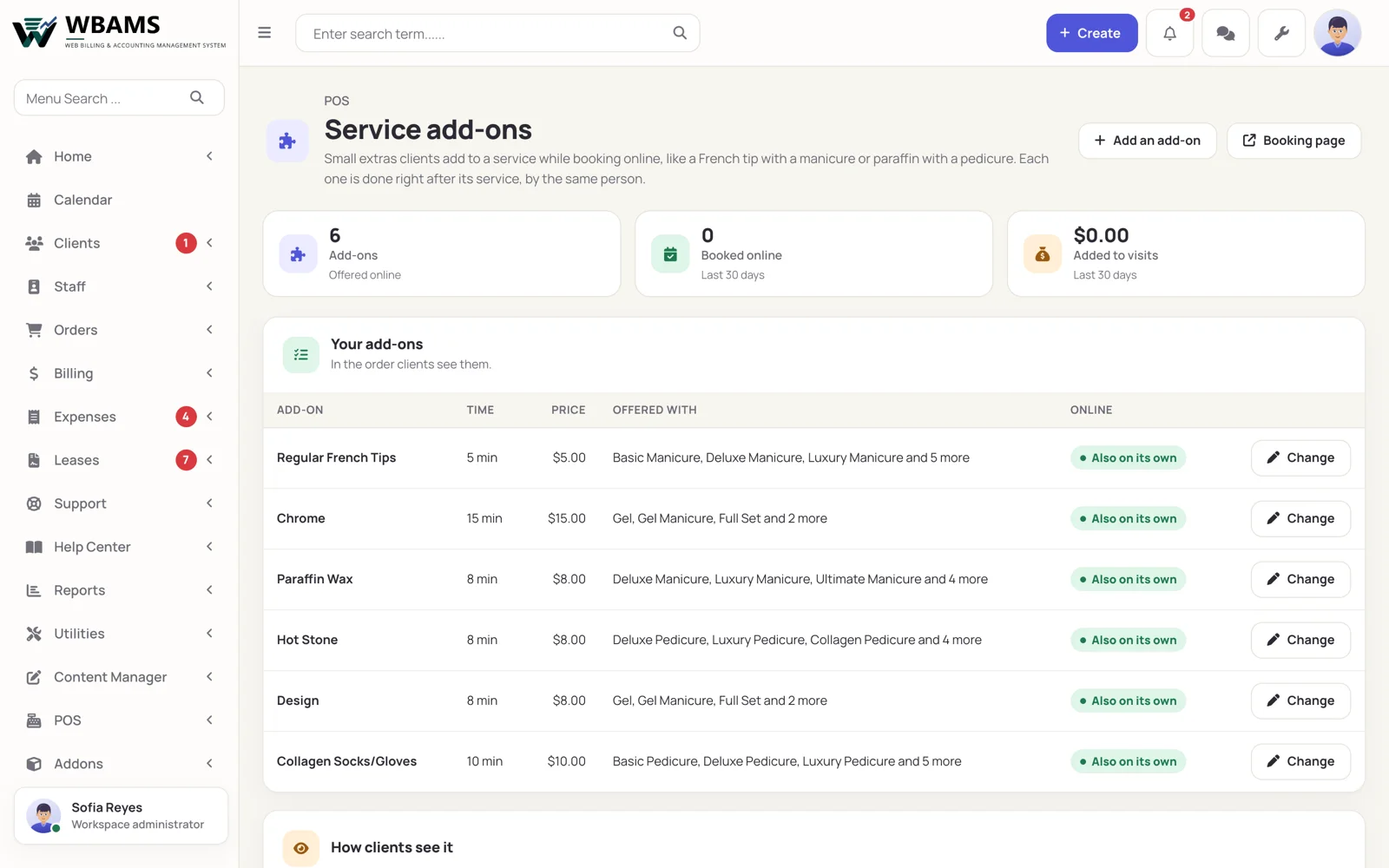
Open System Settings › Service add-ons, choose a small service such as French tips, and the main services it is offered with. While booking online, it appears under each chosen main service, added with one tap and done right after by the same person.
Standing visits
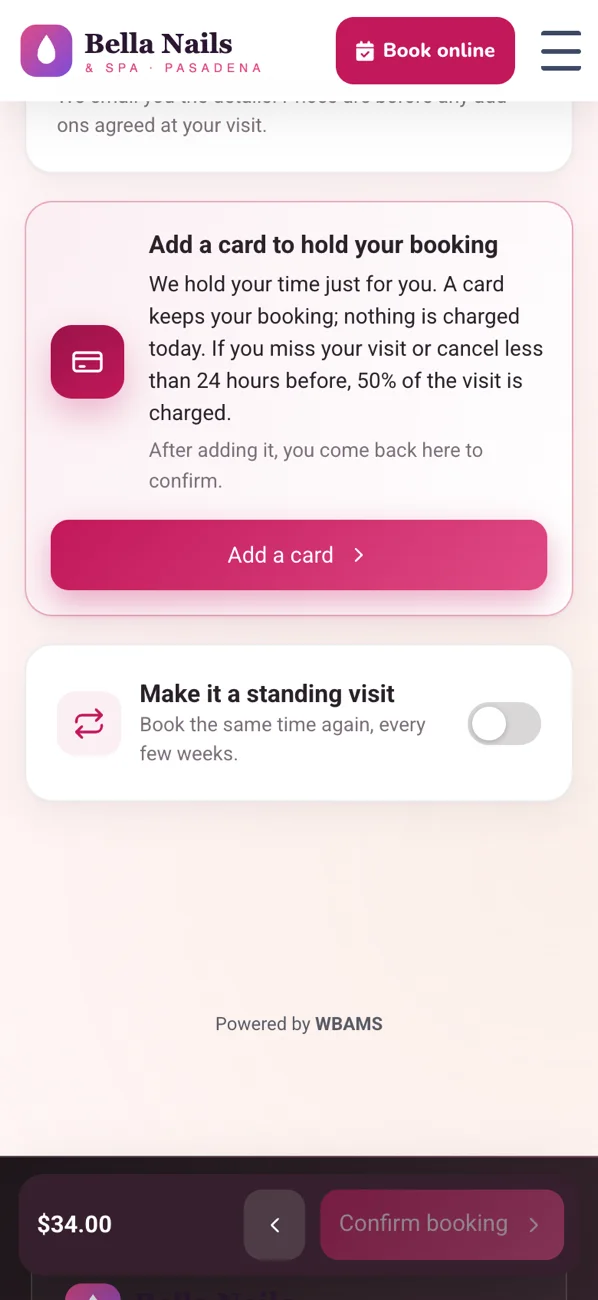
Turn on online standing visits under System Settings › Standing visits. At Confirm, clients choose Make it a standing visit: the same time every 1 to 8 weeks. You can book one on the Calendar too. Repeats go to the same person when they are free. Clients end one from My bookings; you see each series under System Settings › Standing visits.
Off-peak prices
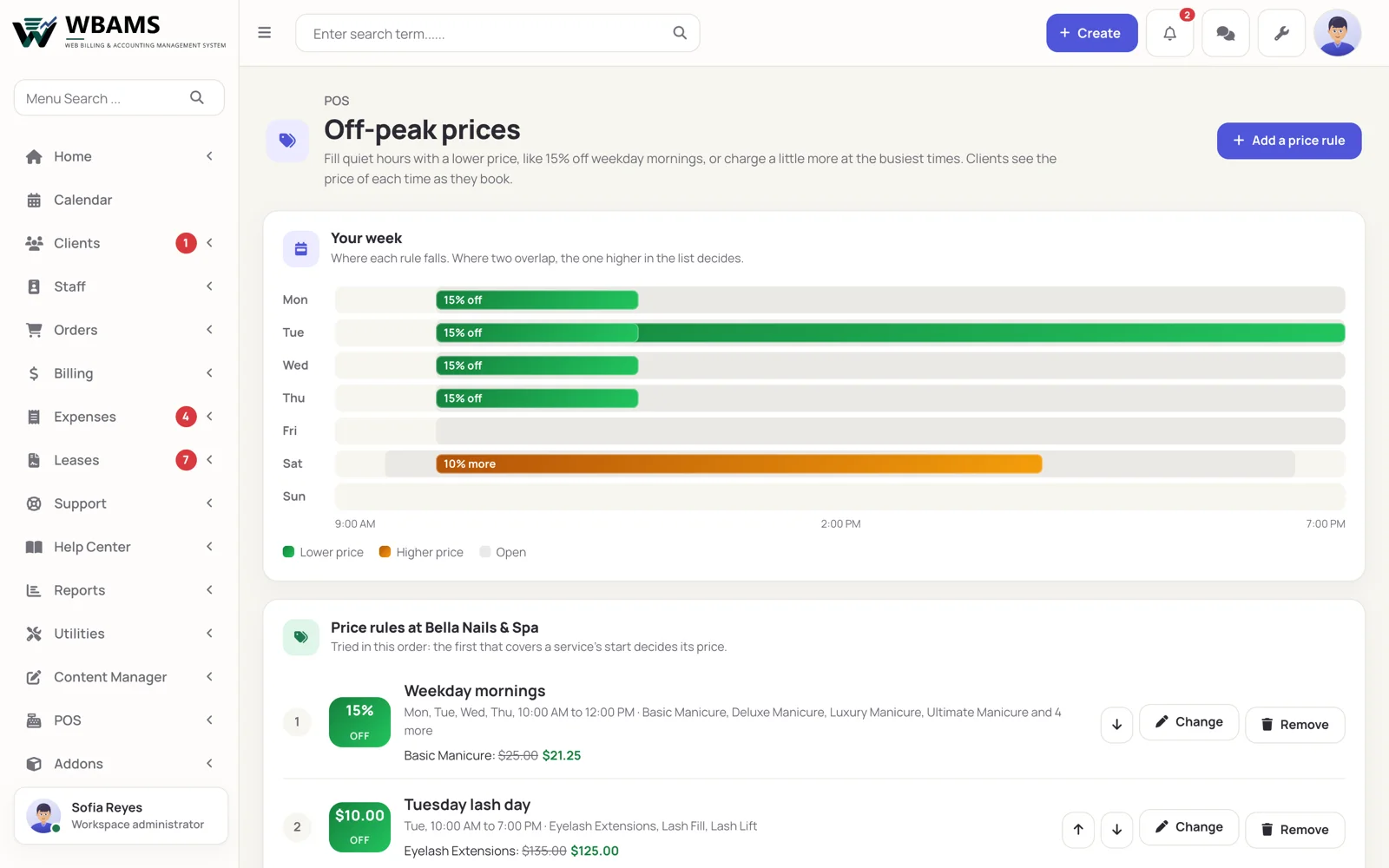
Open System Settings › Off-peak prices and press Add a price rule: the days, the hours, the services, and a percentage or an amount lower or higher. The booking page shows each time's price, such as 15% off, and a visit keeps the price of its time.
Rooms and equipment
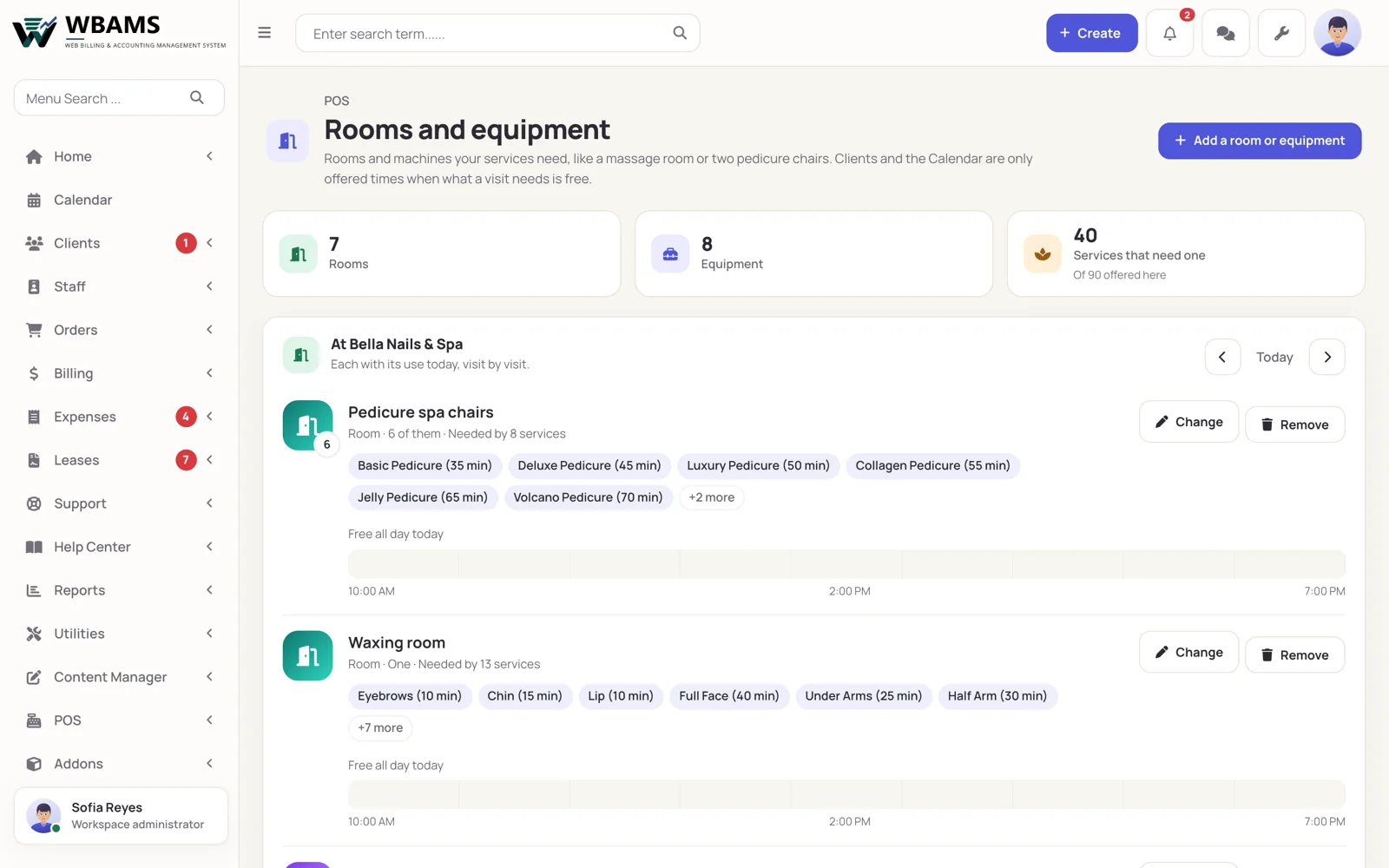
Under System Settings › Rooms and equipment, add each room or piece of equipment, how many you have, and the services that need it. Online booking and the Calendar offer a time only while what the visit needs is free; an over-booking made at a register shows in red.
Book from any page
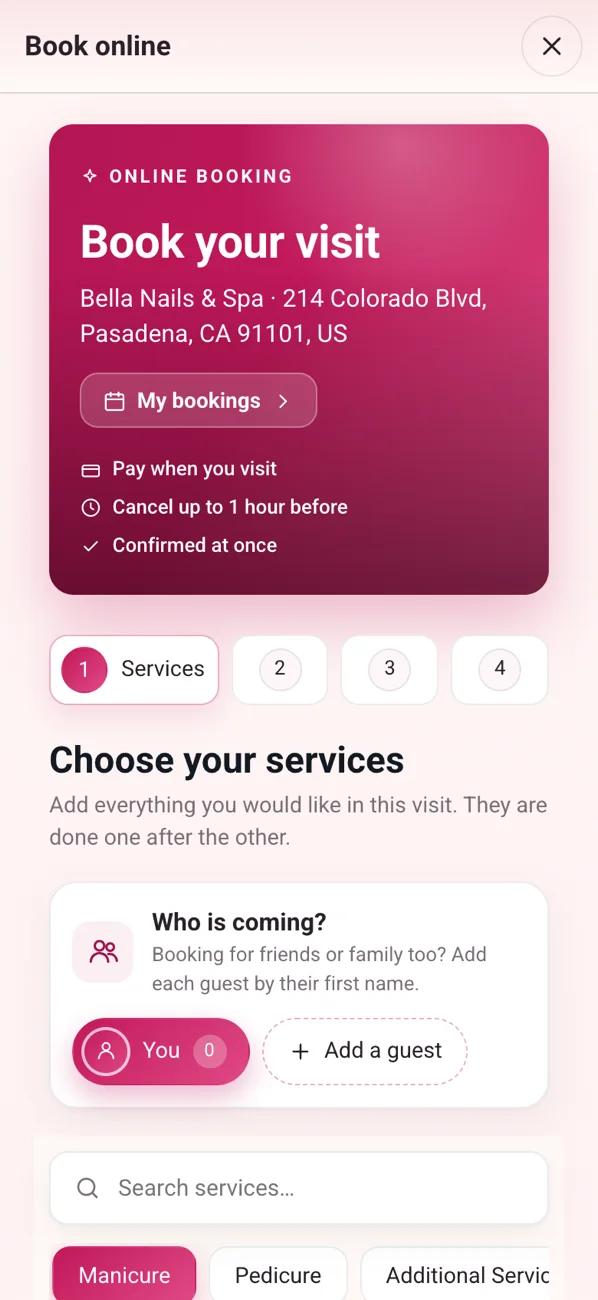
Every Book online link on your website opens the booking in a panel over the page, from the side on a computer and as a full sheet on a phone. A salon that prefers the booking page itself can turn off Book from any page under System Settings › General Settings › Other › Booking online.
Step by step, with pictures, in the EraPOS documentation: Service add-ons, Standing visits, Off-peak prices, Rooms and equipment, Book from any page.