

EraPOS questions, answered plainly
What salon owners ask us most: payroll, texts, booking, gift cards, AI, setup and switching. Every answer says what EraPOS does today, and what it does not.

What owners ask about
Everything owners ask us
Yes, the part that takes the time: EraPOS works out each technician's commission, tip splits, base pay plus commission and hours from the tickets and the time clock, saves pay runs and makes payslips, including for 1099 contractors. Technicians read their payslips in EraPOS Hub.
You still pay your team the way you do today. EraPOS does not file payroll taxes.
Yes. Add a plus or minus adjustment or a bonus to a payslip, and recalculate a technician's pay period in one step when a rate changes.
Yes: booking confirmations and reminders, two-way text threads with clients, and text campaigns to the clients you choose. Texts go through your own Telnyx or Twilio number.
Yes. After a visit, clients can rate it; clients who give five stars are invited to share it on Google.
Yes, on your website, with add-ons, off-peak prices, standing visits, group bookings and a waiting list. Clients can change a visit online themselves, up to the number of days before that you set.
Yes. Clients sign in to see their visits, receipts and points, book again and manage their gift cards.
Yes. Clients buy gift cards on your website and keep them in Apple Wallet or Google Wallet, and the balance is used at the register.
Yes: loyalty points, Refer a friend rewards, visit packages and memberships with monthly billing.
Clients can keep a card on file when they book, and you can charge a no-show fee. Upfront deposits are not offered.
EraPOS has an AI assistant add-on for your website that answers clients' questions and helps them pick a service. It is not a phone receptionist and does not answer calls.
Walk-ins check in on the tablet at the door or on their phone, join the waiting list, and the turn queue picks the next technician by the rules you set, skipping anyone who is busy.
Yes. The store server runs on your front-desk PC, so checkout, cash, the appointment book, the waiting list and clock-ins keep working. Card payments need the internet.
A Windows PC at the front desk, an Android tablet for check-in, a Stripe Reader S700 or T600 for cards, and a receipt printer and cash drawer. More registers can join from a browser on your store network.
Yes. We set up your store and registers with you: menu, prices, team and devices, before your first day.
It depends on your menu, team and devices. We agree a setup day with you and do the setup before it, so the day itself is for connecting devices and ringing up.
Yes. Tell us what you use today; we help bring over your client list and service menu as part of setup.
Yes: check-in, turns, the book, checkout and close-out are a few screens, and every screen has its own help video.
We give a free quote after learning about your salon, with free setup help. Card processing is between you and Stripe, at your Stripe rates.
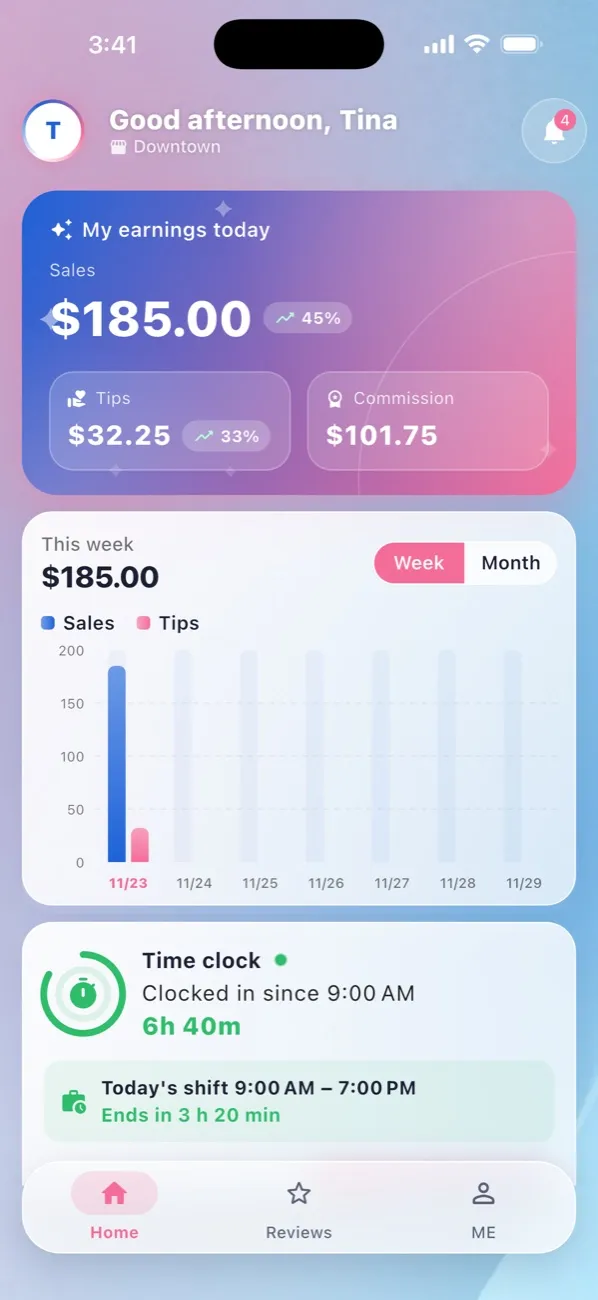
Yes. EraPOS Hub, for iPhone and Android, shows each technician their sales, tips, appointments, turns, schedule and payslips.
The register and check-in tablet are in English. EraPOS Hub is in English, Spanish, Swedish and Vietnamese, and the video course has narration in English, Spanish, Vietnamese and Swedish.
It depends on your salon. For a nail salon with walk-ins and turns, EraPOS was built for that. For payroll tax filing, an AI phone receptionist or a marketplace, other systems may fit better. Our comparison pages say where each one is stronger.
The screens behind the answers
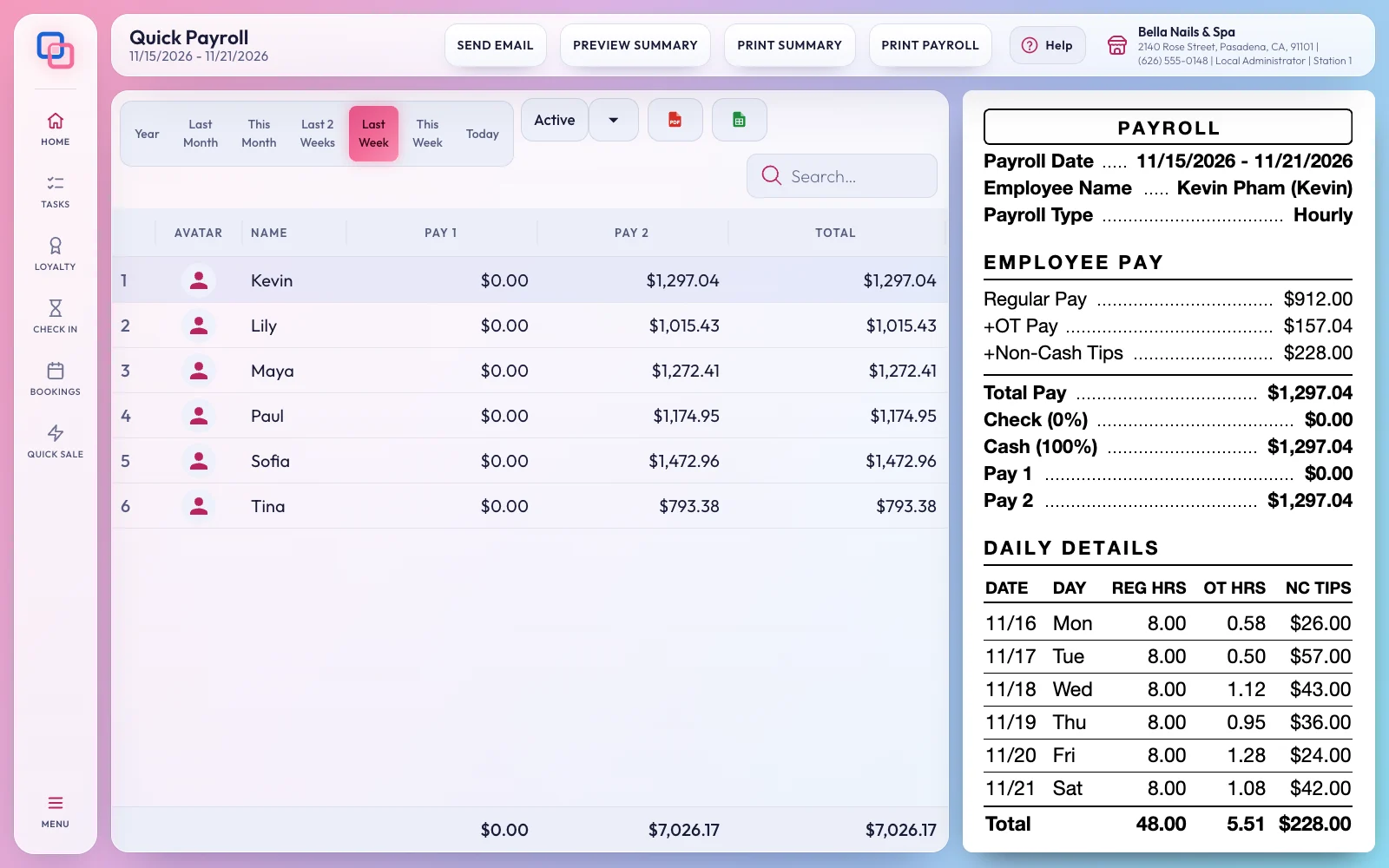
Payroll on the register
Commission, tips and pay for each technician.

Two-way texts
Client threads and campaigns.

Gift cards online
Sold on your website, kept in a wallet.
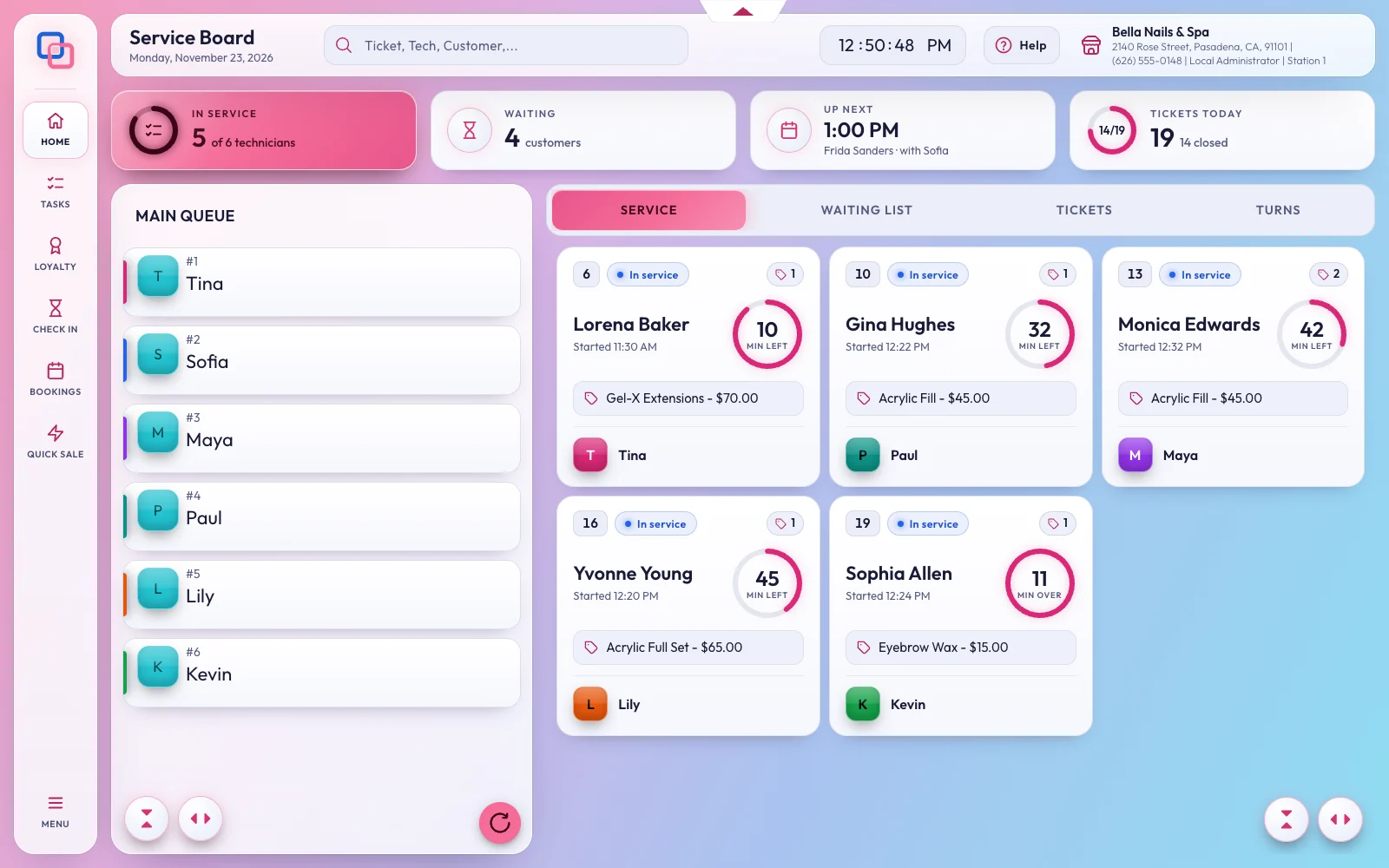
The turn queue
Who is next, by your rules.

EraPOS Hub
Each technician's day and pay on their phone.
Still have a question?
Ask us anything about EraPOS. We answer honestly, and the quote and setup help are free.
Powered by WBAMS