
Easy for the front desk, set up with you
You do not have to learn every setting before your first day. We set up your store, menu, team and devices with you, and your front desk starts by ringing up clients.

Our videos show every setting, so you can see everything EraPOS can do. You do not have to do those settings yourself: we set up your store with you, and the front desk works from a few screens.
We set it up with you
-
01
Tell us about your salon
Chairs, registers, how you handle walk-ins and turns, and how you pay your team.
-
02
We set up your back office
Your menu, prices, team and devices, ready before day one.
-
03
Bring your clients
We help bring over your client list and service menu from your old system.
-
04
Ring up your first ticket
Registers start with an activation code, and your team installs EraPOS Hub.
What the front desk actually does
Five screens cover most of the day.
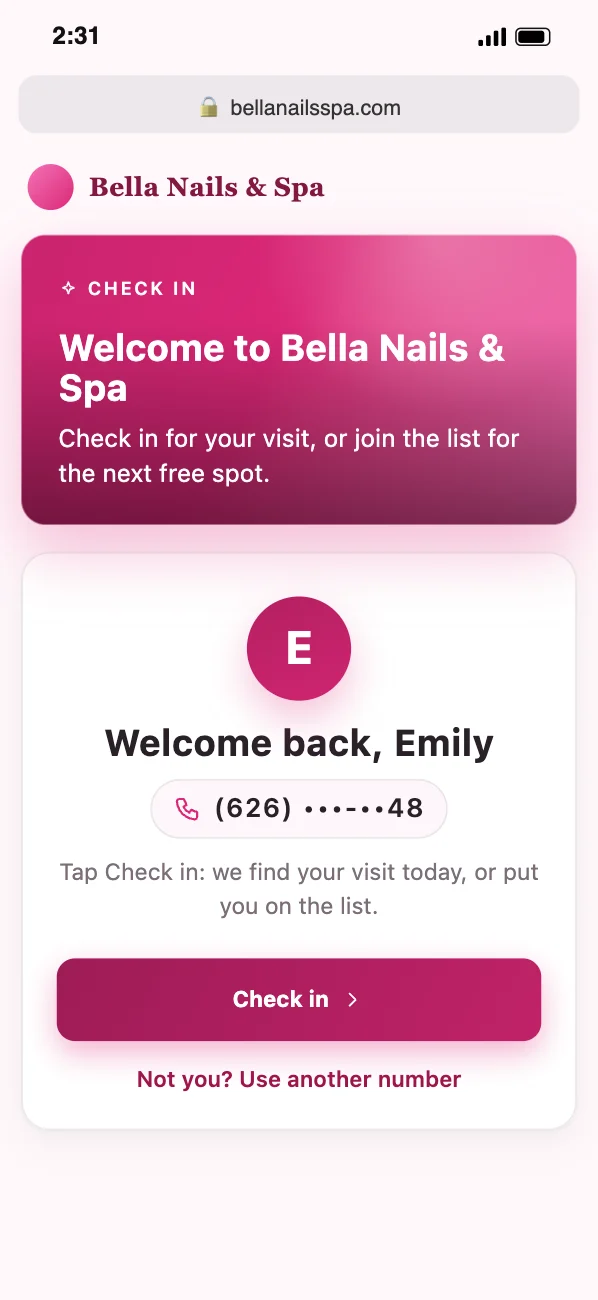
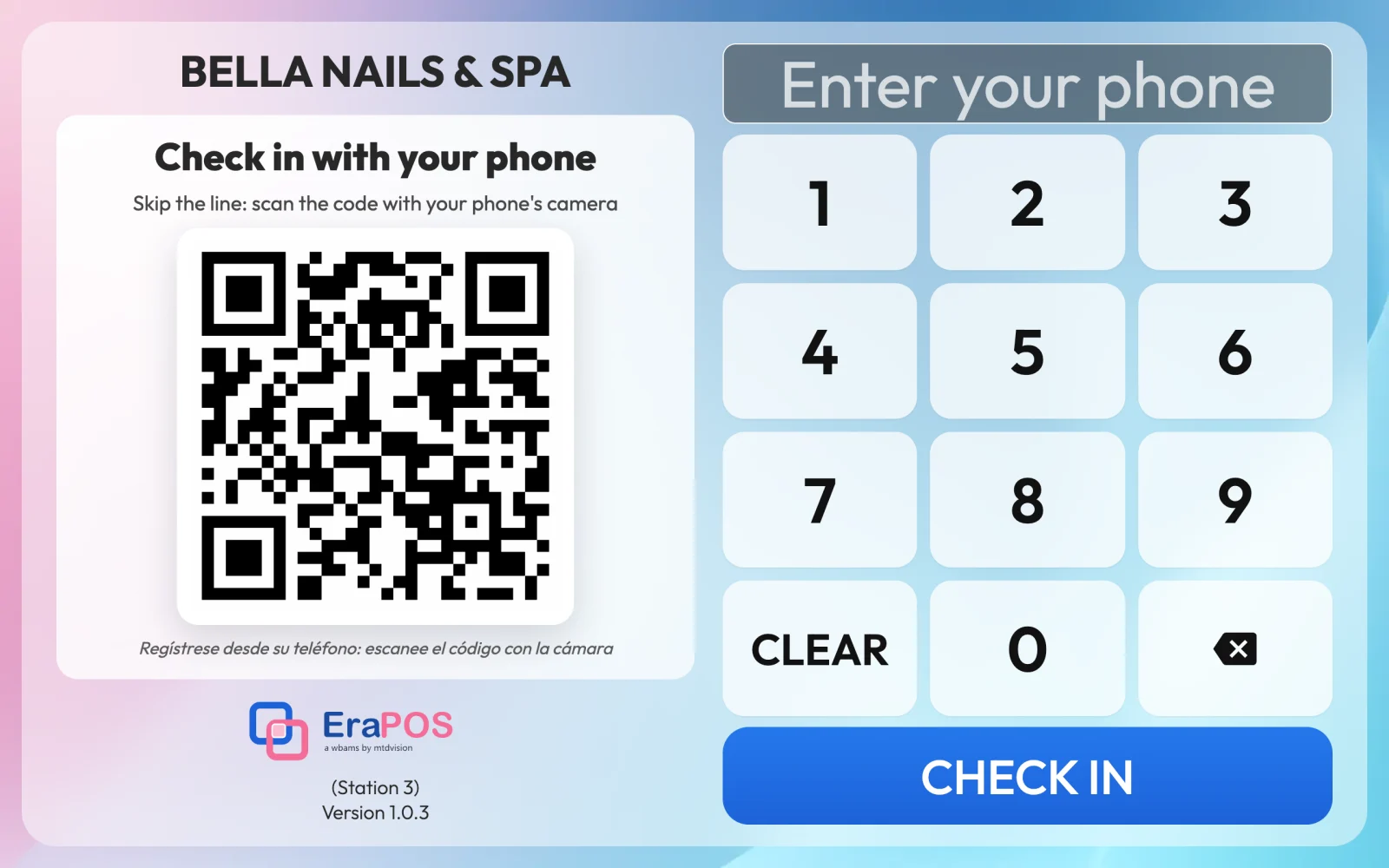
Clients check themselves in
Clients sign in on the tablet at the door or on their own phone, and appear in the waiting list.
- Tablet or phone
- Straight into the waiting list
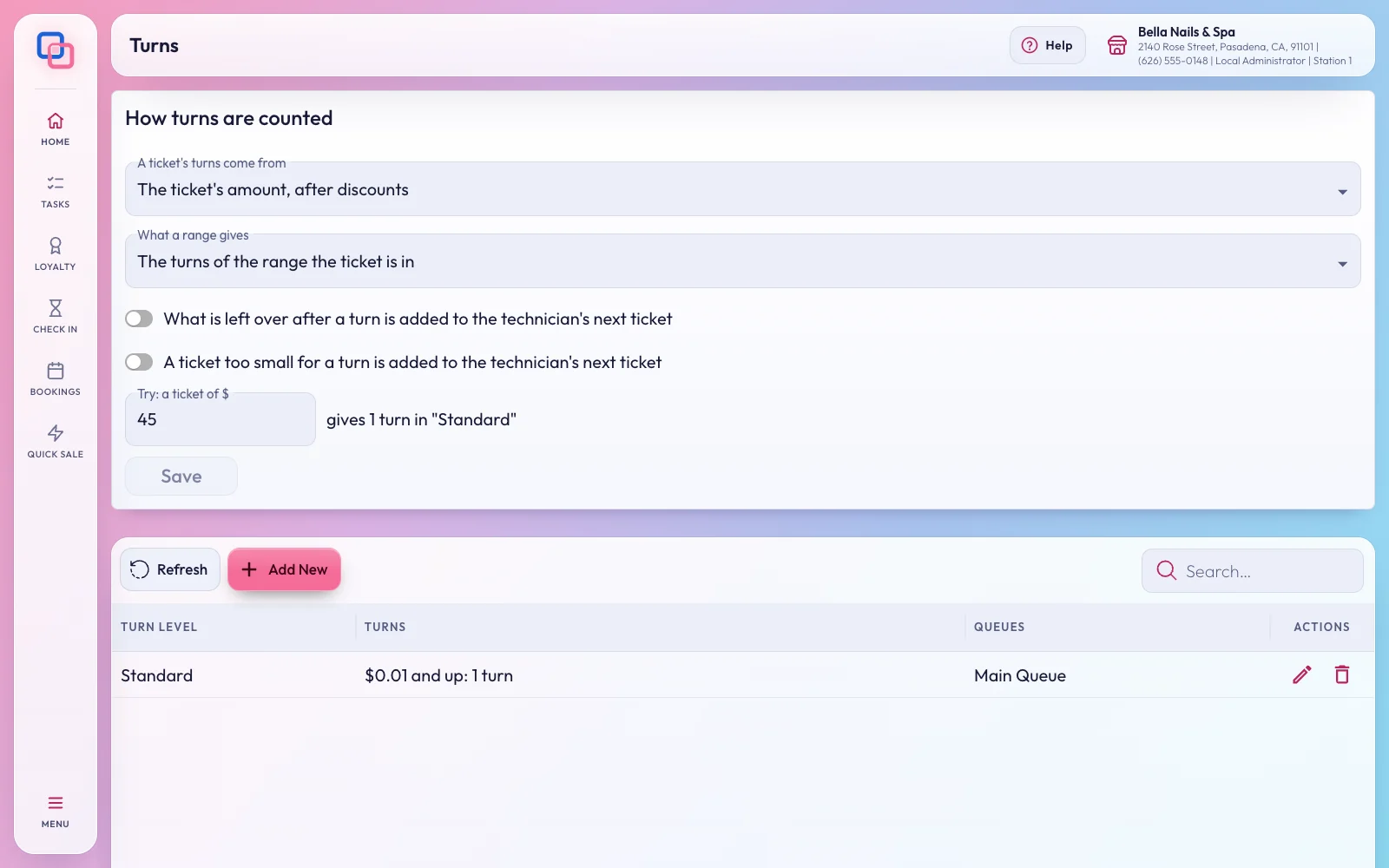
The next technician is already chosen
The turn queue follows your rules, so nobody at the desk has to keep count.
- Counted by your rules
- Busy techs skipped
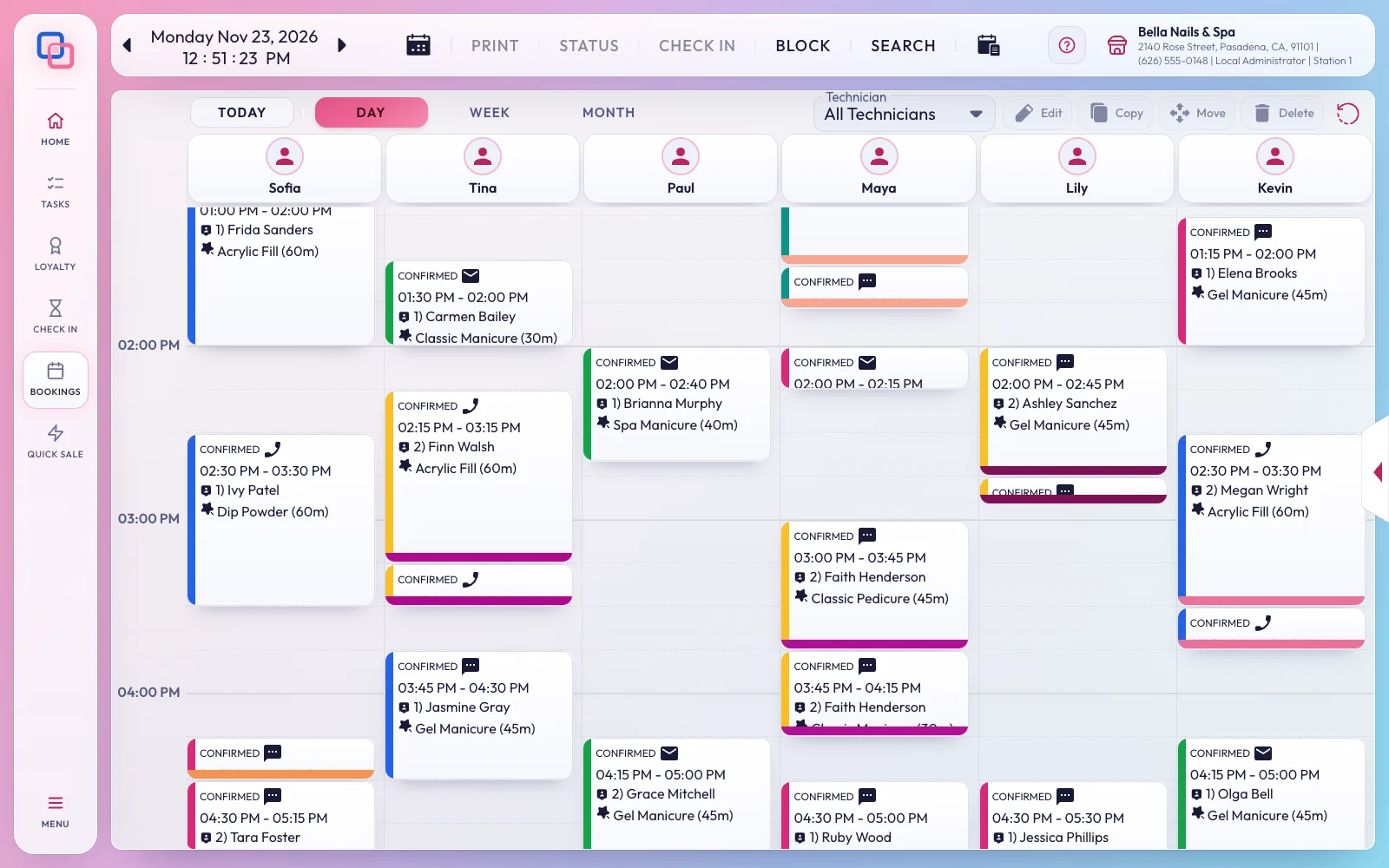
Online bookings land in the book
Bookings from your website appear in the appointment book with the client's details.
- Online booking
- Clients change visits themselves
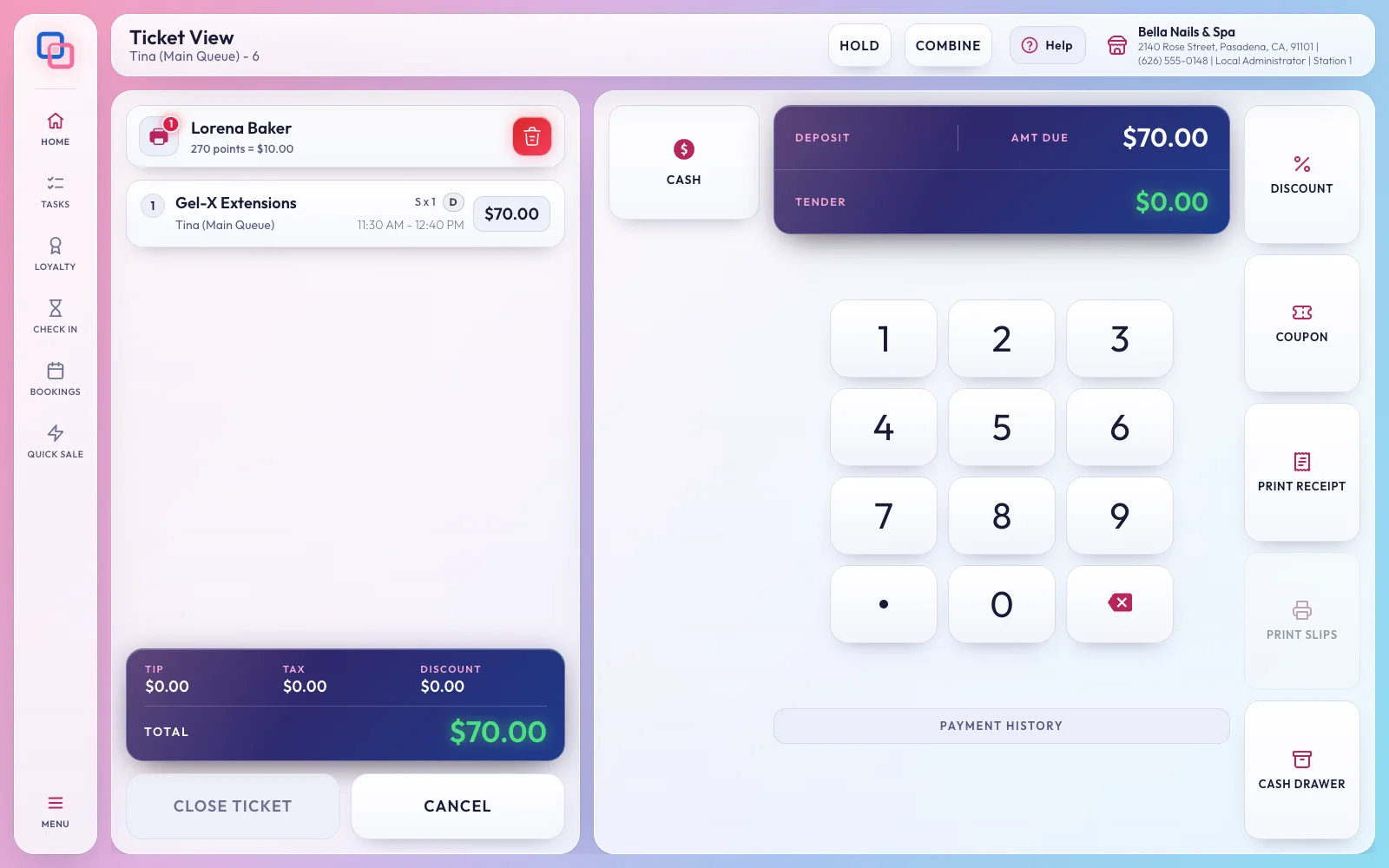
Checkout with the tip split
Ring up the services, split the tip between technicians and take card or cash.
- Tip splits
- Stripe reader or cash
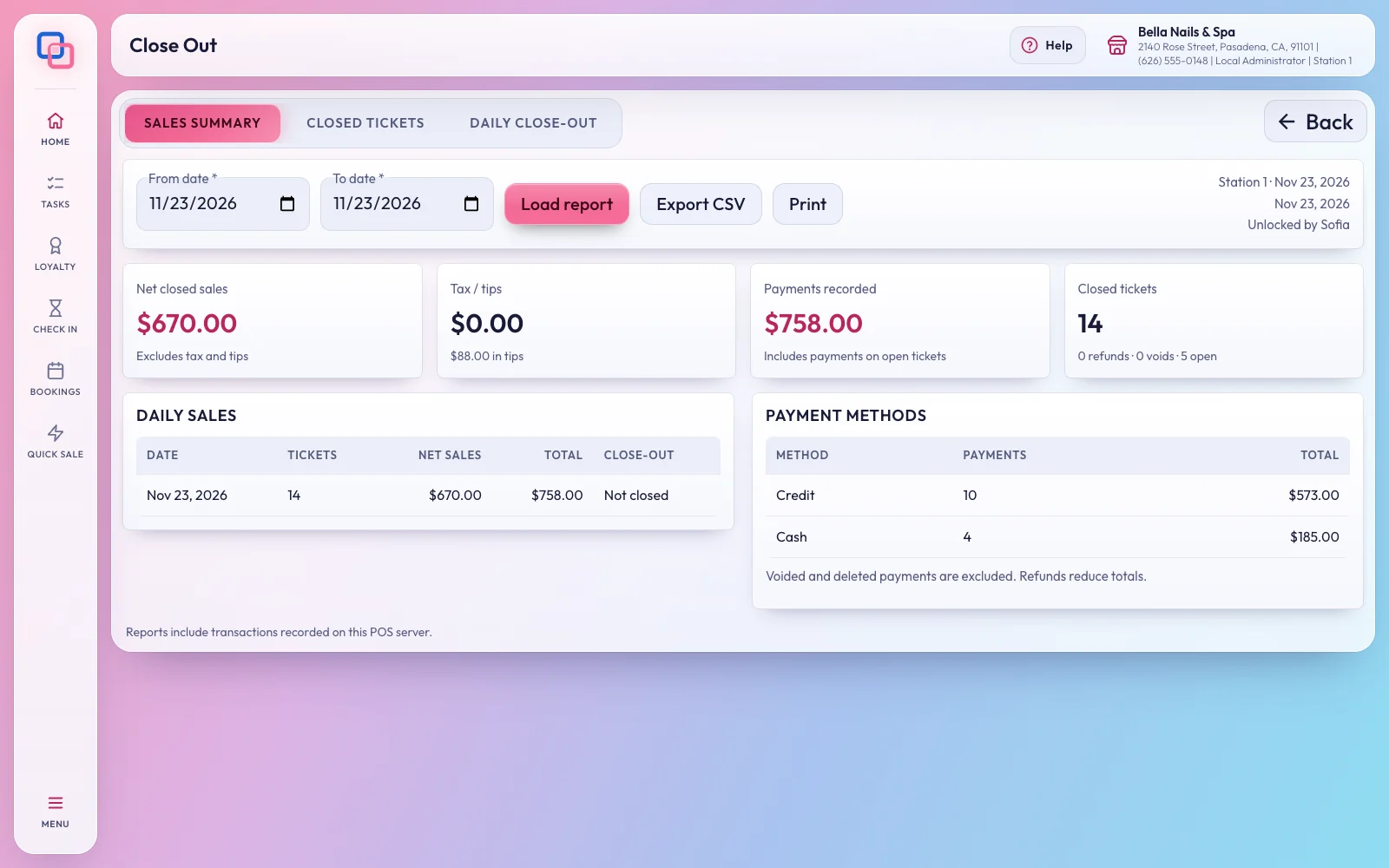
Close the day
Count the drawer and close out; the reports are ready.
- Cash count
- Daily reports
Moving from your old POS
-
Before
Tell us what you use today
Your current system, menu, team and how you pay them. -
Setup
Your clients and menu come with you
We help bring over your client list and service menu as part of setup. -
Setup day
Devices connected
Front-desk PC, check-in tablet, Stripe reader, printers and cash drawer. -
First day
Ring up
Your front desk rings up clients; the Help button on every screen opens its own short video. -
First payday
Check the pay run together
We go through commission, tips and payslips with you the first time.
Small things that save the front desk
About ease of use and setup
Yes for the front desk: check-in, turns, the book, checkout and close-out are a few screens. The settings behind them are many, which is why our team sets up your store with you before your first day.
Most salon systems ask you to set up everything yourself. With EraPOS, we set up your menu, team and devices with you, and the turn queue and check-in work the way a nail salon already runs. See the comparison pages for each system.
No. The videos show every setting so you can learn what EraPOS can do. We do the setup with you; you change things later only if you want to.
It depends on your menu, team and devices. We agree a setup day with you and enter your menu, prices and team before it, so on the day you connect the devices and ring up your first ticket.
Yes. Tell us what you use today; we help bring over your client list and service menu as part of setup.
Every screen has its own short video from its Help button, the full course is free on YouTube, and our team goes through your first days with you.
Want us to set it up with you?
Tell us about your salon. Setup help and a quote are free.
Powered by WBAMS